Common AI Problem
Cursor Built My App but It Doesn't Work
Cursor got you 80% of the way and then everything started breaking. We debug and finish Cursor-built apps.
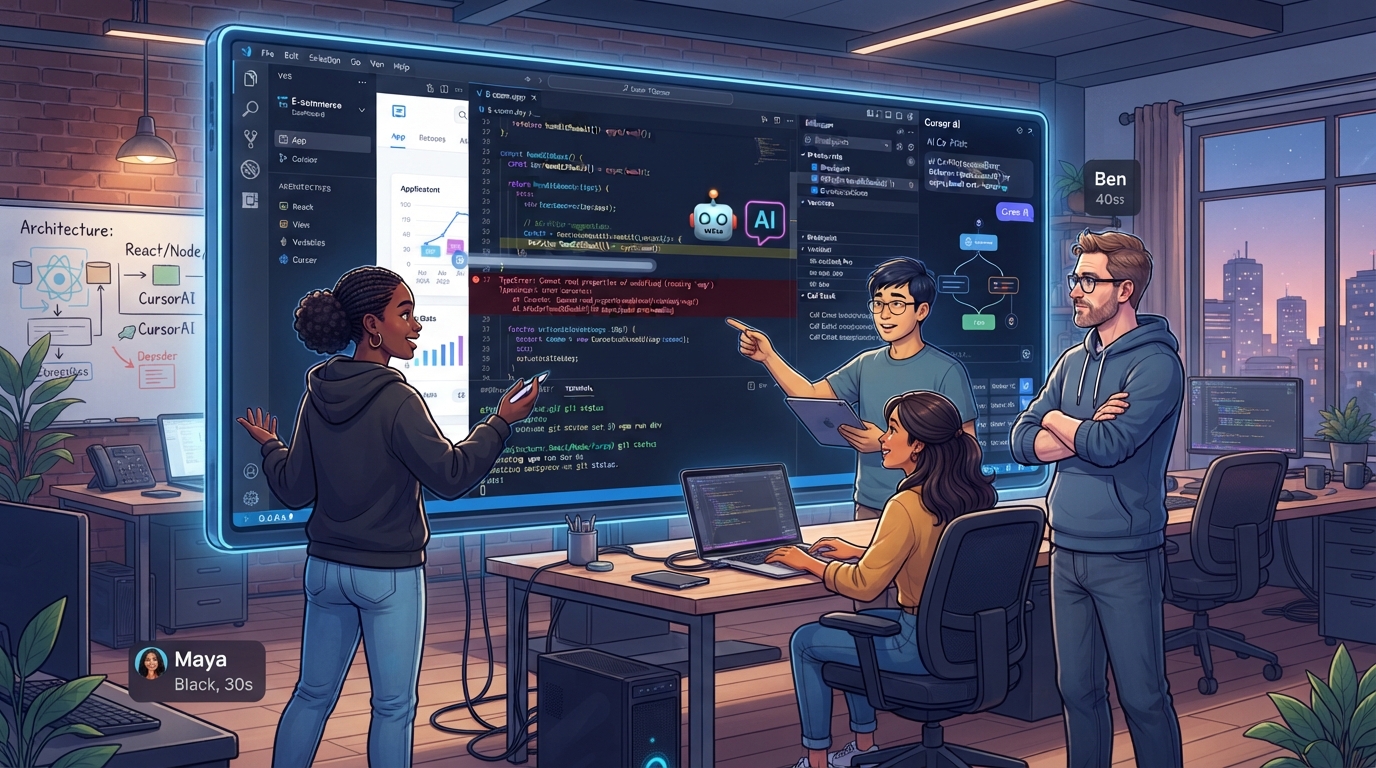
Understanding Cursor-Generated Code Challenges
When you rely on Cursor to build your app, the promise is quick development with minimal manual coding. However, the reality often includes challenges that stop your app from functioning correctly. Common issues include unclear code logic, frequent execution errors, and hurdles in integrating additional features or services. These problems stem from the automated nature of AI-generated code, which might not always align perfectly with specific project needs.
App owners often find themselves perplexed by the code's intricate structures, making debugging a daunting task. The lack of clear documentation or rationale can lead to misunderstandings about how the code is supposed to operate. Additionally, execution errors frequently occur due to syntax issues or unexpected interactions within the codebase, preventing the app from running smoothly.
Pinpointing the Root Causes of Breakdowns
Identifying why your Cursor-built app isn't functioning requires a meticulous diagnostic process. We start by examining the app's architecture to detect any misalignments that could be causing operational hiccups. Often, the root causes include incomplete feature sets or poorly integrated components that Cursor's AI didn't fully flesh out.
- Reviewing code for syntax and logical errors
- Assessing architecture for structural misalignments
- Identifying incomplete or buggy features
- Analysing integration points for compatibility issues
- Tracing data flow to locate disruptions
Our Proven Debugging and Refinement Process
At BuildRescue, we employ a structured approach to rectify issues in Cursor-generated apps. Our expert team initiates the process by thoroughly analysing the existing code to comprehend its intended functionality. We utilise advanced debugging tools tailored for AI-generated applications, allowing us to track down and mitigate errors efficiently.
Following the initial assessment, we refine the code by addressing the identified problems and enhancing its readability and maintainability. Our unique methods ensure that the app not only functions as expected but is also well-prepared for future updates or expansions.
Enhancing App Functionality and Reliability
Once the debugging is complete, we shift our focus to boosting your app's performance and reliability. This includes optimising the code for faster execution, reinforcing security measures, and ensuring seamless integration with third-party services. Our enhancements guarantee that your app is robust enough to handle production environments without recurring issues.
- Optimising code for better performance
- Strengthening security protocols
- Ensuring smooth third-party integrations
- Testing extensively for production readiness
- Implementing reliable error-handling mechanisms
What to Expect from Our Service
When you partner with BuildRescue, you can anticipate a comprehensive service that not only addresses your immediate app concerns but also lays the groundwork for its long-term success. Our process begins with a detailed consultation to establish a clear understanding of your app's issues and the outcomes you're aiming for.
We provide a timeline for each stage of the debugging and enhancement process, ensuring transparency and alignment with your expectations. Upon completion, we offer ongoing support options, enabling you to maintain and update your app with confidence.
What our clients say
“Cursor got me 80% there and then everything unravelled. BuildRescue untangled the logic, finished the missing pieces, and shipped it. They clearly understand AI-generated code inside out.”
RKRachel KimFounder, TaskNest “I couldn't make sense of my own codebase anymore. Their team debugged it fast, documented everything, and left it maintainable. The speed and clarity honestly saved my launch.”
BABen AlvarezIndie developer “They didn't just fix the bugs, they hardened the whole app for production. Error handling, integrations, the lot. The value added went far beyond what I asked for.”
CBChloe BennettProduct Lead, Sortly
Services that fix this
- AI Application Rescue ServicesYour AI-generated app almost works. We take it the rest of the way, fixing the code, filling the gaps, and shipping it to production.
- Database & Backend Recovery ServicesCorrupted data, failing queries, migrations that won't run: we recover and stabilize the database and backend behind your AI-built app.
Learn more
Related articles
- Fixing Cursor-Generated Code: A Practical ApproachA repeatable approach for turning fast-but-fragile AI-generated code into something you can build on.
- Why AI-Generated Apps Fail in Production (and How to Fix It)AI tools get you a working demo fast, then production reveals everything they skipped. Here are the failure patterns and how to fix each one.
- From MVP to Production: A Founder's ChecklistAn MVP proves the idea; production earns trust. Here is what to fix before real customers arrive.
Frequently asked questions
- What are common issues with Cursor-built apps?
- Cursor-built apps often face issues such as unclear code logic, execution errors, and challenges integrating additional features. These arise from the automated nature of the code generation which may not fully align with specific project needs.
- How long does it take to fix a Cursor app?
- The timeframe varies depending on the complexity and specific issues of the app. However, we provide a detailed timeline during our initial consultation to ensure clarity on the expected duration.
- Can you improve app performance after fixing?
- Yes, after debugging, we enhance the app's performance by optimising the code, reinforcing security, and ensuring smooth integration with other services. This ensures your app is production-ready.
- What kind of support is available post-repair?
- Post-repair, we offer ongoing support options to help you maintain and update your app as needed. This ensures long-term reliability and ease of future modifications.
- Is my data safe during the debugging process?
- Absolutely. We adhere to strict security protocols to ensure that your data remains protected throughout the debugging and enhancement process.
Stuck on exactly this?
Send us your repo and the error. We will triage it and reply with a fixed-scope plan within one business day.