Cursor App Won't Deploy? Start Here
It works on your machine but every deploy fails. Here's why Cursor-built apps break at deploy time and a safe checklist to work through first.
· BuildRescue Engineering
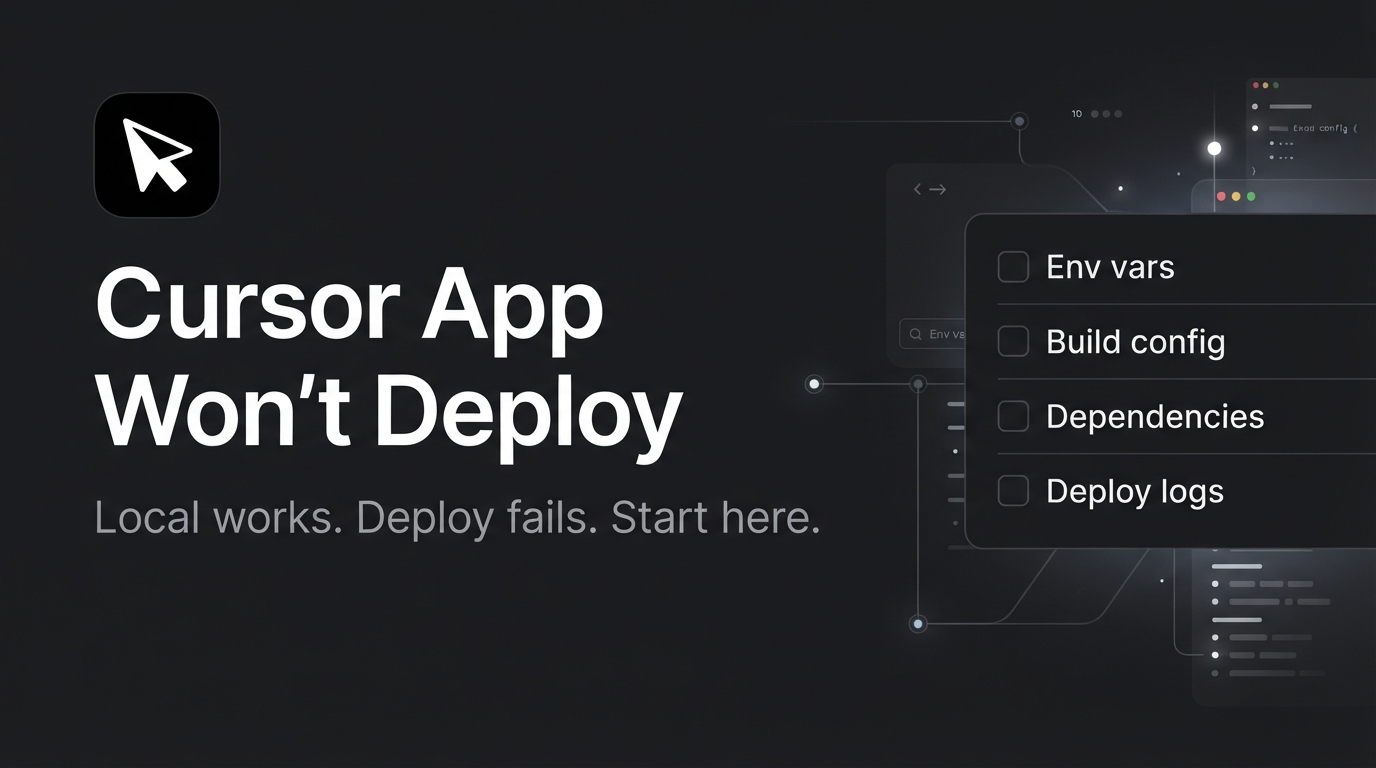
Understanding Deployment Failures with Cursor
When your Cursor app won't deploy, it often feels like hitting an invisible wall. The app runs smoothly on your local machine, but once you attempt to push it to a live environment, everything seems to fall apart. This scenario is all too familiar for those working with AI-generated code.
Deployment failures can manifest as errors in the build process, missing dependencies, or even complete silence from the server, leaving developers scratching their heads and searching for answers.
The primary issue lies in the transition from a controlled, local development environment to a more complex production setting. Cursor, like many AI coding tools, excels in generating code rapidly but may overlook specific deployment nuances. These can range from environment variables not being set correctly to incompatible library versions.
Understanding the symptoms can help pinpoint where the problem may lie, but it's crucial to approach the situation methodically. A methodical approach involves breaking down the deployment process into smaller, manageable components, which can help isolate the problem more effectively.
AI-generated apps, particularly those built with Cursor, often misstep during deployment due to their reliance on pre-set assumptions and automated configurations. While these tools streamline development, they can falter without human intervention when unexpected scenarios arise. Recognizing these limitations is the first step in diagnosing and resolving deployment issues effectively.
By understanding these shortcomings, developers can anticipate potential points of failure and implement strategies to address them proactively. It also highlights the importance of combining AI capabilities with human oversight to ensure robust deployment strategies.
Quick Deployment Checkpoints
Before diving deep into potential fixes, start with these quick, non-destructive checks to identify any obvious issues that might be blocking your app's deployment. These checks are designed to catch common mistakes that are easily overlooked but can cause significant headaches if not addressed.
They serve as a starting point to ensure that fundamental elements are correctly configured before moving on to more complex troubleshooting.
- Verify all required environment variables are present and correctly named.
- Ensure your API keys are valid and have not expired.
- Check the first error message in your deployment logs for specific clues.
- Confirm that all dependencies are installed and up to date.
- Review your build configuration settings for any missteps.
- Look for any hardcoded paths or URLs that might not work in production.
- Backup your current codebase and environment settings before making changes.
Tools and Setups Prone to Deployment Errors
Deployment issues are particularly prevalent in environments where AI-generated code meets traditional development frameworks. Cursor, for instance, is often used in conjunction with tools like Docker, Kubernetes, or cloud-based platforms such as AWS and Heroku.
These setups, while powerful, introduce layers of complexity that can confound AI tools which lack a comprehensive understanding of deployment intricacies. Each platform has its own specific requirements and configurations, which can lead to unexpected interactions when combined with AI-generated code.
Developers using Cursor alongside CI/CD pipelines also frequently encounter challenges. The automated nature of both AI coding tools and continuous integration systems can create conflicts, especially if the generated code does not align perfectly with the pipeline's requirements. This results in build failures or unexpected behavior when deploying to staging or production environments.
It’s crucial to ensure that the generated code integrates seamlessly with the existing CI/CD processes, which often requires manual adjustments or additional configuration.
js and Python, when integrated with Cursor-generated code, can lead to compatibility issues. These stacks have dependencies that might not be fully accounted for in the AI's output, leading to missing modules or incompatible versions when the app is deployed.
Developers need to be vigilant about updating and maintaining their dependency lists to ensure compatibility and functionality across different environments.
Analyzing Root Causes of Deployment Failures
Deployment failures in Cursor-built apps can arise from a variety of sources, each requiring careful consideration. Understanding these can help you diagnose and potentially resolve the issue. Detailed knowledge of the underlying causes can also aid in preventing similar problems in future deployments.
By systematically addressing each potential issue, developers can improve the reliability and consistency of their deployment processes.
Environment Variable Misconfigurations
One of the most common issues is misconfigured environment variables. These variables are crucial for defining how your app interacts with various services and APIs. A single typo or missing variable can halt deployment instantly.
Since AI tools like Cursor may not always confirm these variables are set correctly across different environments, it's vital to double-check them manually. This involves verifying each environment variable against the service’s documentation or the application's requirements to ensure they match exactly.
Dependency and Package Conflicts
Another prevalent cause of deployment issues is conflict between dependencies. Cursor might generate code that relies on specific versions of libraries or packages, but if these are not compatible with the versions already installed or required in your production environment, you'll face errors. txt files can help identify such mismatches.
This audit should include checking for deprecated packages or those that have known compatibility issues with your codebase or other dependencies.
Build Configuration Errors
Cursor-generated projects might come with default build configurations that aren't optimized for your specific deployment context. Missteps in configuration files, such as webpack or build scripts, can prevent your app from building correctly. Reviewing these settings and tailoring them to your environment can make a significant difference.
This often involves fine-tuning settings to align with the specific requirements of your deployment platform, such as adjusting path variables, output directories, or script commands.
Network and API Connectivity Issues
Finally, connectivity issues often plague deployments, especially in apps that rely heavily on external APIs. Cursor might not account for network conditions or API rate limits, leading to failures. Testing API connectivity and ensuring your network settings are correct can help mitigate these issues.
It's important to verify that all API endpoints are reachable and that any necessary authentication tokens or certificates are correctly configured and valid.
Safe Troubleshooting Steps to Attempt
Once you've completed the initial checks and narrowed down potential causes, it's time to experiment with some safe troubleshooting steps. Always remember to take a full backup of your code and configuration before proceeding, as this ensures you can restore the original state if necessary.
Having a reliable backup can prevent data loss and allow you to revert any unintended changes during troubleshooting.
First, consider running your app in a local environment that closely mimics your production setup. This can help reveal any discrepancies between your development and deployment environments. Use tools like Docker to create a consistent environment between local and production. This approach can expose environment-specific issues that are not apparent in a typical development setup.
Next, incrementally test changes to your configuration files. Small adjustments, such as altering a single setting in your build script, can often uncover the root of a problem. Document each change you make to track what works and what doesn't.
This documentation process is crucial for identifying successful strategies and for future reference when dealing with similar issues.
Lastly, use logging extensively. By adding more detailed logging to your deployment process, you'll gain insights into where things might be going wrong. This can illuminate errors that are otherwise hidden in the deployment logs. Enhanced logging not only aids in troubleshooting but also provides valuable data for post-deployment analysis to ensure ongoing reliability.
- Backup your complete environment settings and codebase.
- Test your app locally in a production-like environment.
- Incrementally adjust build configurations and track results.
- Enhance logging for deeper insights during deployment.
- Document each change and its impact for future reference.
Why Cursor’s AI Struggles with Deployments
Despite its prowess in generating functional code rapidly, Cursor's AI faces inherent challenges during the deployment phase. These challenges stem from the tool's design, which prioritizes code generation over deployment intricacies.
AI tools like Cursor are adept at creating code snippets based on patterns, but they struggle when those patterns clash with the unique demands of a live environment. The leap from development to deployment requires an understanding of many variables that AI typically can't accommodate.
A significant limitation is the AI's inability to fully grasp the context of a production ecosystem. Elements such as network configurations, security protocols, and service dependencies require a level of contextual awareness that AI lacks. This gap can lead to incomplete or incorrect deployment configurations, which halt progress.
Human oversight is often necessary to fill in these gaps and ensure that the deployment process is correctly aligned with the production requirements.
Additionally, the AI's reliance on static assumptions can be a pitfall. While Cursor may correctly generate code under typical conditions, it doesn't account for edge cases or non-standard configurations inherent in many real-world projects. This means that unforeseen deployment issues can arise, demanding human oversight to resolve.
The flexibility and adaptability of human problem-solving are crucial in navigating these complexities and achieving successful deployments.
Knowing When to Call in the Pros
While some deployment issues can be tackled with careful troubleshooting, there comes a time when expert intervention is necessary. Recognizing these red flags early can save you time and prevent further complications. Professional expertise can provide the nuanced understanding and experience needed to navigate complex deployment challenges that may not be evident at first glance.
Persistent deployment failures that don't respond to standard troubleshooting methods are a significant signal. If you've gone through the checklist, made adjustments, and still face the same errors, it's likely that deeper, more complex issues are at play.
These could involve intricate dependencies, network configurations, or systemic architectural flaws that require a seasoned eye to diagnose and rectify.
Another indication is when deployment errors impact critical functionalities of your app, such as authentication or database connections. These areas are often fraught with intricate details that require specialized knowledge to resolve effectively.
Failing to address these issues promptly can lead to security vulnerabilities or data inconsistencies, which can have serious implications for your app's functionality and user trust.
Lastly, if your deployment hurdles are causing significant delays in your project timeline, reaching out to professionals like BuildRescue can provide the necessary expertise to get your app live and functioning as intended. Expert intervention not only addresses immediate problems but can offer insights into preventing future deployment issues.
This proactive approach ensures that your deployment process is robust, reliable, and capable of supporting your app’s long-term success.
Frequently asked questions
What are the first steps if my Cursor app won’t deploy?
- Begin by checking your environment variables, ensuring they are set correctly and match what your app expects. Look at the first error messages in your deployment logs for clues, and verify that all dependencies are up to date.
How common are deployment issues with Cursor apps?
- Deployment issues are relatively common with AI-generated apps, including those built with Cursor, due to the complexity and variability of production environments compared to local setups. These tools are excellent for rapid development but can struggle with nuanced deployment settings.
Can I fix deployment failures on my own?
- You can attempt to fix deployment issues by following a systematic troubleshooting approach, checking configurations, and testing in a controlled environment. However, complex cases may require professional help to resolve effectively.
What are typical causes of deployment failures in AI tools?
- Common causes include environment variable misconfigurations, dependency conflicts, incorrect build settings, and network or API connectivity issues. AI tools may overlook these intricate details, leading to deployment failures.
When should I seek professional help for deployment problems?
- Seek professional help if your troubleshooting efforts do not resolve the issue, if critical app functionalities are affected, or if deployment delays impact your project timeline significantly. Experts can provide the necessary insights and solutions.