Cursor App Works Locally but Not in Production? Here's Why
The classic trap: perfect on localhost, broken in production. Here's what differs between the two and what to check.
· BuildRescue Engineering
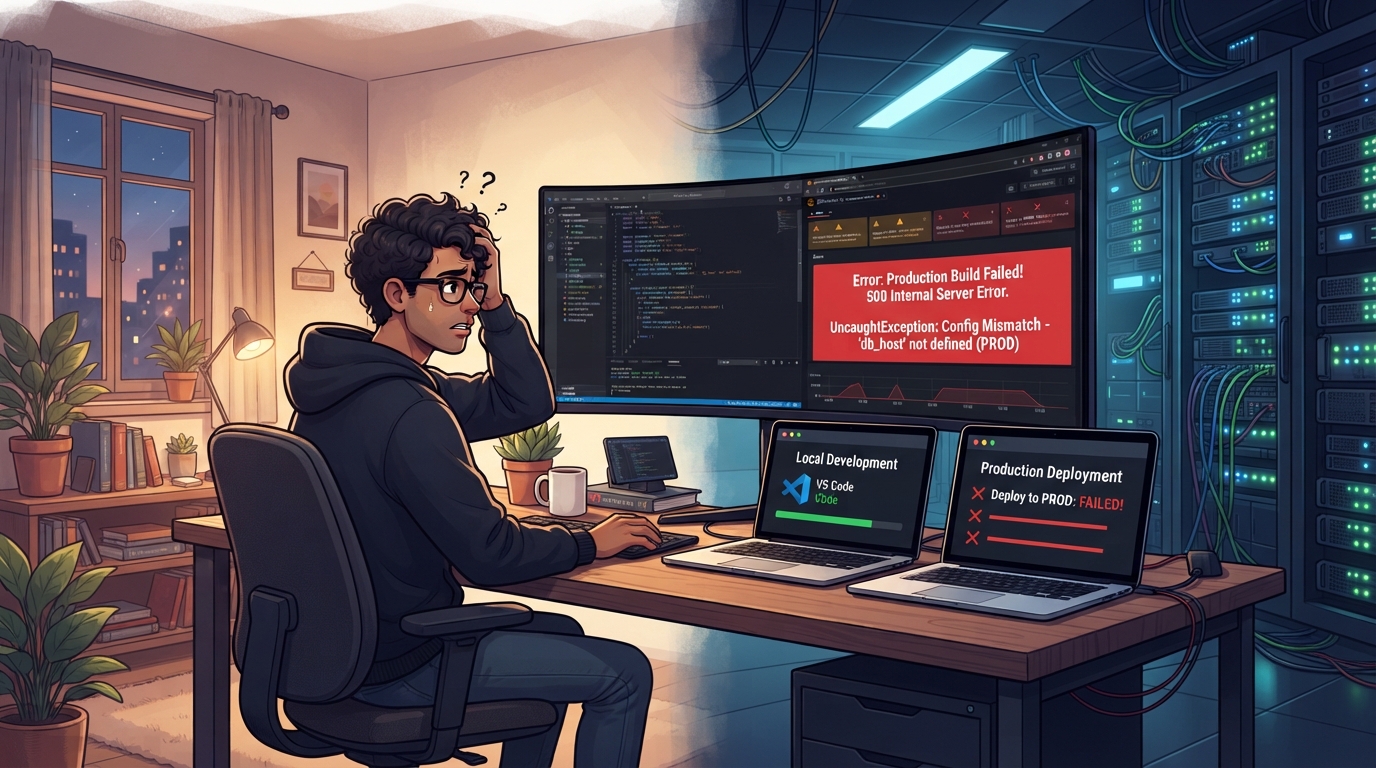
Recognizing the Local-to-Production Gap in Cursor Apps
You've spent hours crafting your Cursor app, only to face the frustrating reality that it works flawlessly on your local machine but stumbles when deployed to production. This common scenario underscores the stark differences between development and production environments.
While local development provides a controlled space with all necessary dependencies and configurations at your fingertips, production introduces a more complex landscape. In this setting, even minor discrepancies can lead to significant functionality issues.
This phenomenon is not unusual—many developers have experienced the jarring shift from a seamlessly running local environment to a problematic production deployment.
In local environments, developers often have full access to tools and settings that mimic their personal coding setup. However, in production, the app must function under different conditions, often constrained by security protocols, environment variable settings, and server configurations. This shift can expose weaknesses in the code that weren't apparent during local development.
For instance, an API call that works locally might fail in production due to restrictive CORS policies or network settings. Such discrepancies are exacerbated by the differences in how local and production environments handle data processing, system resources, and network traffic.
Recognizing these gaps is crucial for troubleshooting. It requires a keen understanding of the development-to-production transition and the factors that differentiate these environments. Identifying these differences early can prevent extended downtime and potential loss of user trust.
By acknowledging where the setup diverges, you can better anticipate and address the issues that prevent your app from performing as expected in a live setting. Being aware of these transitional challenges is not just about fixing a current problem; it's about building a mindset that prepares you for smoother deployments in the future.
Immediate Safety Checks to Perform
Before delving into more complex diagnostics, it's wise to perform some immediate, non-destructive checks to identify potential issues that may arise when your Cursor app transitions from local to production. These checks serve as the first line of defense against common errors and can often pinpoint simple oversights that could be obstructing your deployment.
One of the most straightforward checks involves verifying your environment variables. These variables are crucial for your app’s operation, containing sensitive information such as API keys and database URLs. Ensure they are correctly set and accessible in the production environment, as a missing or misconfigured variable can easily disrupt functionality.
js version as your development setup can prevent compatibility issues that arise from version mismatches.
Another vital step is to review any hardcoded paths or credentials that might differ between environments. These can cause unexpected errors if not properly configured for your production setup. Examining server logs for error messages can provide further insights into what might be going wrong. json.
These preliminary checks are not exhaustive solutions but can significantly narrow down the scope of your troubleshooting process.
- Verify all environment variables are correctly set and accessible in the production environment.
- Ensure the Node.js version in production matches the version used during local development.
- Check for any hardcoded paths or credentials that might be different between environments.
- Review server logs for any error messages that can provide clues to what might be going wrong.
- Confirm that all dependencies are installed and match the versions specified in your package.json.
Typical Environments Facing Transition Issues
Not all development setups are equal, and some are more susceptible to encountering issues when moving from a local development environment to a production deployment. Understanding these setups can help pinpoint potential sources of trouble before they escalate into major problems.
The complexity of your development stack can play a significant role in the transition challenges you might face.
Developers using complex stack configurations, such as those involving microservices or serverless architectures, often face particular challenges. These setups, while beneficial for scalability and performance in production, can introduce additional layers of complexity.
Each service or function might have its own set of environment variables or dependencies that need to align perfectly between local and production environments. This alignment is crucial, as even minor discrepancies can cause cascading failures that are difficult to diagnose and resolve.
Additionally, developers relying heavily on AI coding tools like Cursor may encounter unique challenges. These tools often automate code generation based on local conditions, but their output may not account for the broader spectrum of conditions found in production. The gap between the generated code's assumptions and production realities can lead to unexpected failures.
Recognizing these environments can guide efforts in creating more robust and compatible setups, minimizing the gap between local success and production challenges. By understanding the intricacies of your specific development environment, you can better prepare for and mitigate the issues that commonly arise during deployment.
Core Causes of Production Failures
There are several common reasons why an app might work locally but falter in production. Understanding these core issues can significantly aid in diagnosing and resolving the problem. Below, we explore some of the most typical causes and explain why they occur.
Identifying these root causes will streamline your troubleshooting process and help you focus efforts where they are most needed.
One common issue is environment variable discrepancies. These variables, which store configuration settings like API keys or database URLs, might be improperly set or missing in production. Unlike the local environment, where variables are easily adjusted, production requires them to be precisely configured for security and functionality.
A single typo or incorrect reference in these variables can lead to major connectivity or operational failures in your app.
js version mismatch. js, but the production server runs a different one. js behavior. These mismatches can result in syntax errors or cause your app to behave unpredictably.
Caching issues can also lead to significant production failures. In local development, caches are often disabled to facilitate testing and debugging, but in production, caching is crucial for performance. Misconfigured or outdated caches can cause your app to serve stale data or fail to render updates correctly.
Ensuring that your cache configurations reflect real-time data needs and align with application logic is essential.
Permissions and access rights form another layer of complexity. During development, your app might have unrestricted access to resources, but in production, stringent permissions are in place to protect data and systems. Incorrect permission settings can prevent your app from accessing necessary files or services, leading to runtime errors.
Properly configuring these settings is critical for maintaining the security and functionality of your app.
Environment Variable Discrepancies
Environment variables are often the first point of failure when transitioning to production. They must be set correctly for your app to function as expected. A common scenario is a missing or incorrectly named variable, which can lead to connectivity issues or security breaches.
Ensuring these variables are accurately reflected and secured is essential for a smooth transition. Double-checking their presence and correct naming in the production setup can help avoid these pitfalls.
Node.js Version Mismatch
js version mismatches are another frequent issue. Code developed in a specific version might rely on features or syntax not supported in other versions. This can result in syntax errors or unexpected behavior. Always verify that the production environment mirrors the local development version to avoid these pitfalls.
js versions helps ensure that the development environment closely resembles the production setup, reducing the risk of version-related errors.
Caching Challenges
Caching can dramatically affect how your app behaves in production. While caches improve performance, misconfigured cache settings can lead to serving outdated or incorrect data. It's critical to review and adjust caching strategies to ensure they align with real-time data needs and application logic.
Regularly updating and clearing caches can prevent stale data from disrupting your app's functionality, ensuring users receive the most current information available.
Permissions and Access Issues
Finally, permissions often differ between local and production environments. What runs smoothly locally could face access denials in production due to stricter security protocols. Ensuring that access rights are appropriately configured will prevent many common runtime issues.
Verifying these permissions can help avoid errors that arise from insufficient access to necessary resources or services, maintaining the app's integrity and performance.
Safe Troubleshooting Steps to Try
Once you've identified potential areas of concern, there are several safe steps you can take to troubleshoot and potentially resolve these issues. Remember, before making any changes, it's crucial to back up your data to avoid any irreversible loss. Backing up ensures that you have a fallback if any troubleshooting steps affect your app's stability.
Start by examining your environment variables. Double-check their names and values for accuracy and ensure they are present in the production server's configuration. A simple typo can be all it takes to disrupt functionality. This check helps ensure that your app has access to the correct configurations necessary for seamless operation.
Next, review your Node.js version and compare it with the development environment. If discrepancies exist, consider aligning the versions to ensure consistency across environments. Matching versions prevent potential incompatibilities and ensure that your app's behavior remains consistent.
Investigate caching configurations. Clear any caches that may be serving outdated data and adjust cache settings to better reflect your application's current state. This adjustment helps maintain data accuracy and relevance, minimizing user experience disruptions.
Finally, verify the permissions and access rights for your app. Confirm that the application has the necessary access to all required resources and that no unintended restrictions are blocking operation. This ensures that your app can interact with essential components without encountering access-related errors.
- Back up all critical data before making changes.
- Ensure all environment variables are correctly configured.
- Align Node.js versions between development and production.
- Review and clear cache configurations as needed.
- Check and adjust permissions to allow necessary access.
Why Cursor’s AI Might Fall Short in Production
AI coding tools like Cursor are revolutionizing the way developers build applications, offering speed and automation that were previously unimaginable. However, these tools are not without their limitations, especially when transitioning from a local development environment to production.
Understanding the limitations of these tools is crucial for setting realistic expectations and effectively preparing for a successful deployment.
One of the main challenges with AI-generated code is its tendency to rely on assumptions made during the local development process. These assumptions often do not account for the complexities and constraints of a production environment. For instance, AI may not consider network latency, security protocols, or deployment-specific configurations that are not present locally.
This gap between the AI's assumptions and the production environment can result in unexpected failures and behavior.
Cursor and similar AI tools can also struggle with handling complex environments where multiple systems and services interact. The AI's context may be limited, leading to code that works perfectly in isolation but falters when integrated into a larger, more intricate system.
This limitation means that while AI can handle simple tasks effectively, more complex integrations often require human oversight to ensure reliability and consistency.
Understanding these limitations is key to effectively leveraging AI tools while managing expectations about their capabilities. Recognizing when AI tools can assist and when a more nuanced, human intervention is necessary will ensure smoother transitions and more successful deployments.
By complementing AI-driven development with human intuition and expertise, developers can overcome the constraints that might otherwise hinder their application's performance and reliability.
Knowing When to Seek Professional Assistance
Despite your best efforts, some issues may prove too complex or persistent to resolve on your own. Knowing when to seek professional assistance can save time and prevent further complications in your production environment. Recognizing the signs that indicate the need for expert help is an important part of efficient troubleshooting and maintaining application integrity.
Indicators that it's time to consult a BuildRescue expert include recurring problems that defy initial troubleshooting attempts, critical functionality that remains broken despite multiple fixes, or when the issue involves complex integrations or unfamiliar technologies. Persistent issues not only consume valuable time but also risk degrading the user experience and damaging your app's reputation.
Production issues often require a deep understanding of both the technical and operational aspects of an application. Professional assistance can provide the necessary expertise to address these challenges comprehensively, ensuring that your app not only works as intended but is also optimized for performance and security.
Experts bring a wealth of experience in handling complex environments, allowing them to diagnose and resolve issues more efficiently.
Ultimately, recognizing the limits of your own troubleshooting capabilities and reaching out for expert help is a strategic decision that can lead to more robust and reliable application performance.
By enlisting professional assistance, you can ensure that your app is not only functional but also resilient, capable of meeting the demands of a production environment without compromise.
Frequently asked questions
What common environment variables cause issues in production?
- Common environment variables that can cause issues include API keys, database URLs, and service endpoints. These variables must be correctly set and accessible in the production environment to ensure smooth operation. Misconfigurations can lead to failures in connecting to critical services, disrupting your app's functionality.
How can Node.js version differences affect my app?
- Node.js version differences can lead to compatibility issues, as newer JavaScript features or specific behaviors may not be supported in older versions. This can result in syntax errors or unexpected application behavior. Ensuring version consistency helps maintain reliability and functionality across your environments.
Why does my app cache differently in production?
- Caching in production is often configured to improve performance by storing frequently accessed data. However, if caches are misconfigured or not updated, your app may serve outdated information, leading to inconsistent user experiences. Regularly reviewing and updating cache settings can help mitigate these issues.
What permissions should I check when deploying?
- Check file and resource access permissions to ensure your app has the necessary rights to function properly. Restricted permissions can prevent your app from accessing needed files or services, causing run-time errors. Ensuring correct permission settings is crucial for seamless operation.
How do API endpoints differ from local to production?
- API endpoints in production may have different URLs, security configurations, or network constraints compared to local environments. It's important to ensure these endpoints are correctly configured and accessible in production. Proper configuration helps prevent connectivity issues that can impact your app's performance.