Cursor Stripe Integration Failed? Read This First
Payments succeed in test and break in production, or webhooks never fire. Here's why AI-built Stripe setups fail and what to check.
· BuildRescue Engineering
What Causes a Cursor Stripe Integration to Fail?
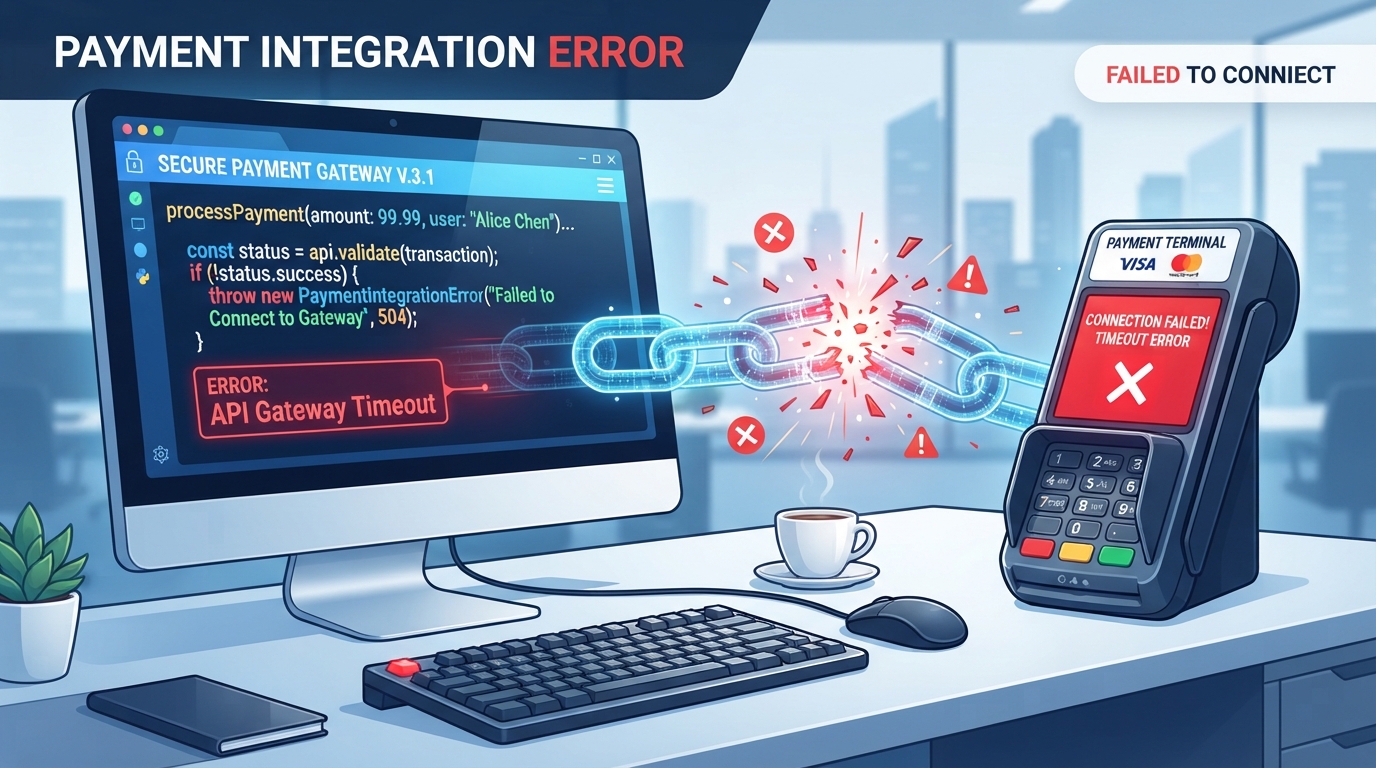
When you're working with Stripe integration in a Cursor-built app, several frustrating issues can arise. You might encounter situations where payments succeed in a test environment but fail in production, or where webhooks don't fire at all. These symptoms can be deeply unsettling because they disrupt essential payment functionalities, impacting your business operations.
Understanding the root of these failures is crucial, especially since AI-generated code can introduce complexities that aren't immediately apparent.
Often, these failures are rooted in misconfigurations or oversights embedded within the auto-generated code. For instance, API keys may not be properly secured or aligned with the correct environments, leading to authorization errors. Similarly, webhook endpoints might be incorrectly set, causing failures in receiving critical event notifications from Stripe.
These issues are compounded by the nuanced behavior of AI coding tools, which may not fully capture the intricacies of Stripe's API requirements.
Moreover, the integration failures are not always due to glaring errors. Subtle discrepancies, such as mismatches in API versions or incorrect handling of event payloads, can silently undermine the integration. As Cursor automates large parts of the coding process, these minor details can slip through without adequate manual oversight, resulting in functional yet incomplete integrations.
To effectively tackle these issues, a focused examination of the setup is necessary, guided by an understanding of both Stripe's demands and Cursor's capabilities.
Quick Validation Steps for Stripe Integration
Before diving into deeper diagnostics, it's wise to run through a quick checklist of non-destructive validations. These simple checks can often uncover easily fixable issues that might be causing your Cursor Stripe integration to fail.
Even if these steps don't directly resolve the problem, they can help narrow down the potential causes, directing your focus to specific areas in need of more detailed investigation.
Start by verifying that your Stripe API keys are correctly set for the intended environment (test vs. live) and are active. This ensures that your app communicates with the correct Stripe environment, preventing common authorization errors. Next, ensure that webhook endpoints are configured in Stripe's dashboard and that they match your app's endpoint URLs precisely.
This is crucial for receiving event notifications without interruptions.
Additionally, checking that your Stripe account's API version matches the version expected by your Cursor app can prevent compatibility issues. Confirm that any required environment variables are defined and accurately named in your app's deployment settings to avoid misconfigurations.
By systematically ticking off this list, you increase the chances of identifying the root cause of the integration problem.
- Verify that your Stripe API keys are correctly set for the intended environment (test vs. live) and that they are active.
- Ensure that webhook endpoints are configured in Stripe's dashboard and that they match your app's endpoint URLs precisely.
- Check that your Stripe account's API version matches the version expected by your Cursor app.
- Confirm that any required environment variables are defined and accurately named in your app's deployment settings.
- Look for any error messages or failures in the deployment logs related to Stripe integration.
- Test webhook payload reception using Stripe's dashboard to ensure they are processed correctly.
- Verify that all necessary permissions are granted to your integration within the Stripe dashboard.
Where Stripe Integrations Commonly Go Wrong
Stripe integrations within Cursor apps tend to falter in several predictable areas, often due to the automated nature of AI-generated code. One frequent area of concern is the configuration of webhook endpoints. If these are not accurately set, Stripe's server won't communicate effectively with your app, leading to missed events and unprocessed transactions.
Ensuring the endpoint URLs are precisely configured to match what is specified by Stripe is a common oversight that can lead to significant issues.
Another pitfall is the handling of Stripe events within the app. Misunderstanding how to parse and react to event payloads can result in incomplete or incorrect processing of payments and refunds.
This is particularly tricky because AI tools like Cursor might not perfectly align the generated code with Stripe's latest best practices, leading to discrepancies in event handling logic. Consequently, developers need to manually refine the event handling code to align with Stripe’s evolving API standards.
Additionally, the security aspect of API key management is often mishandled. Keys might be hard-coded into the source code or improperly managed across environments, which can expose your integration to unauthorized access or errors when transitioning from test to production environments.
Ensuring the use of environment variables and secure storage practices is essential to avoid these pitfalls. Mismanagement of these keys can lead to significant security vulnerabilities and operational disruptions.
Core Reasons Behind Failed Stripe Integrations
Diving deeper into the core reasons for failed Stripe integrations in Cursor apps reveals a set of technical challenges that commonly arise. A primary issue is the mismatch of API versions.
Stripe regularly updates its API, and if your integration inadvertently uses outdated or mismatched API versions, it can lead to unexpected errors and deprecated functionalities. This mismatch is often not addressed automatically by AI tools, necessitating manual corrections.
Another significant cause of failure is webhook authentication errors. Stripe uses secrets to verify the integrity of webhook messages, and if these secrets are improperly configured or stored, your app might reject legitimate webhook events.
This issue is exacerbated in AI-generated code, where authentication logic might not be explicitly configured or updated to handle new security norms. Without proper authentication, your app cannot reliably trust the source of incoming data, leading to potential security breaches.
Errors also arise from incorrect event handling logic. The complexity of Stripe's event system requires precise handling of various asynchronous events. Cursor-generated apps might not fully encapsulate the necessary logic, leading to incomplete processing of events like charge updates or refunds.
This requires a careful review and possible customization of the generated code to align with Stripe's event lifecycle. Developers must ensure that all event types are correctly parsed and processed according to their specific application needs.
API Version Mismatches
A common technical challenge in Stripe integrations is ensuring that the API version used by your app corresponds exactly with the version supported by Stripe. When Cursor generates code, it might not automatically synchronize API versions, leading to a scenario where calls to Stripe fail due to deprecated or unsupported features.
Developers need to manually verify and update API versions in their app's settings to maintain compatibility and functionality. This manual verification ensures that the app remains up-to-date with Stripe’s feature set and security protocols, preventing errors that arise from using outdated API features.
Webhook Authentication Errors
Webhook authentication is vital to confirm that the notifications you receive are genuine and authorized by Stripe. Failing to correctly set up webhook secret keys can cause your app to reject these notifications, disrupting the integration's reliability.
This is particularly challenging in AI-built applications where the authentication setup might be oversimplified or omitted, necessitating manual intervention to secure the webhook communications properly. Ensuring that secrets are stored securely and verified against incoming requests prevents unauthorized access and maintains the integrity of your payment processing.
Event Handling Missteps
Handling Stripe events requires careful parsing and processing logic to ensure that each event type is appropriately managed. Cursor-generated code might provide a generic framework, but it often lacks the specificity needed for nuanced event handling.
Developers must refine this logic to cater to the specific events their application needs to respond to, ensuring that all Stripe interactions are handled correctly and effectively. Without this refinement, you risk missing critical updates or improperly handling events, which can lead to failed payments or incorrect transaction records.
Safe Checks to Perform on Your Own
While diving into the details of your Stripe integration, there are several safe checks you can perform independently. These steps can help narrow down the issues without risking additional complications. However, it's advisable to back up your current setup before making any changes.
This ensures that you can revert to a stable state if any checks inadvertently lead to new issues.
Begin by examining your deployment logs for specific error messages related to Stripe and noting any recurring issues. This can provide insight into where the integration is faltering. Verify that your environment variables for Stripe credentials are correctly set in your hosting provider's dashboard, as incorrect settings can lead to authentication failures.
Additionally, use Stripe's dashboard to send test webhook events to your app and confirm that they are logged and processed as expected. This step can highlight whether the webhooks are reaching your app as intended. Ensure that your app's server is publicly accessible and is not blocked by firewalls, which might prevent webhook delivery.
These checks are essential for identifying basic connectivity issues that could be obstructing your integration.
- Examine your deployment logs for specific error messages related to Stripe and note down any recurring issues.
- Verify that your environment variables for Stripe credentials are correctly set in your hosting provider's dashboard.
- Use Stripe's dashboard to send test webhook events to your app and confirm that they are logged and processed as expected.
- Ensure that your app's server is publicly accessible and is not blocked by firewalls, which might prevent webhook delivery.
- Check the console output during payment attempts for any client-side errors that could indicate configuration issues.
Understanding AI Limitations in Stripe Integrations
AI tools like Cursor are excellent at rapidly generating code but can struggle with the intricacies of certain integrations, such as those involving Stripe. These tools often follow a pattern-based approach to code generation, which may not capture the full scope of a complex payment workflow's requirements.
This limitation is evident in the handling of asynchronous events and the need for precise API interactions that Stripe demands.
One typical point of failure in AI-generated integrations is the lack of contextual understanding. While AI can automate the foundational aspects of a setup, it lacks the intuitive insights needed to adapt to evolving API features and security protocols.
This can result in code that, while functional in basic scenarios, fails under more complex conditions or when specific Stripe features are required. Such lapses underscore the importance of human intervention in refining and optimizing AI-generated integrations.
Moreover, AI-generated code might not be equipped to handle error scenarios that aren't directly foreseen during the initial development. This oversight can lead to incomplete error handling and recovery mechanisms within the Stripe integration. Recognizing these limitations is essential, as it underscores the need for human oversight and intervention to refine and optimize AI-generated integrations.
By acknowledging these boundaries, developers can better prepare for the manual adjustments necessary to achieve a robust and reliable Stripe integration.
When to Reach Out for Professional Help
While troubleshooting Stripe integration issues on your own can be empowering, there are clear signals that indicate it's time to seek professional help. Persistent deployment errors that remain unresolved despite multiple attempts at correction are a strong indicator that expert assistance is needed.
These errors can significantly hinder your app's functionality and require a more in-depth technical examination that goes beyond surface-level checks.
Another sign that professional help is warranted is when you encounter complex webhook authentication issues that disrupt your payment workflows. These problems often demand a nuanced understanding of both the Stripe API and the specific logic of AI-generated code, which might be beyond the scope of non-expert developers.
Professional intervention can ensure that your integration is both secure and efficient.
In addition, if your app continues to experience issues with payment processing or if test payments succeed but production ones fail, it suggests underlying configuration problems that require comprehensive analysis. Engaging with experts like BuildRescue can provide the targeted insights and solutions necessary to resolve these challenges and restore your Stripe integration's reliability and performance.
Frequently asked questions
How do I verify my Stripe API keys?
- To verify your Stripe API keys, ensure they are correctly defined in your application's configuration. Check that the keys match the environment (test or live) and are active. You can also validate them by logging into the Stripe dashboard and checking the API keys section for accuracy and status.
What are common mistakes in Stripe webhook setup?
- Common mistakes in Stripe webhook setup include incorrect endpoint URLs, missing or incorrect webhook secrets, and misconfigured event types. These issues can prevent your app from receiving or correctly processing webhook events, disrupting the integration's functionality.
Why does my Stripe test payment succeed but fail in production?
- If test payments succeed but production payments fail, it could be due to incorrect API keys, environment misconfigurations, or missing permissions necessary for live transactions. Verify that all configurations are switched from test to live settings in your app and Stripe account.
How can I check for Stripe webhook events?
- To check for Stripe webhook events, use the Stripe dashboard to view logs of webhook deliveries. You can also resend test webhook events from the dashboard to confirm they reach your app. Ensure logging is enabled in your app to track these events for troubleshooting.
When should I consult a Stripe integration expert?
- Consult a Stripe integration expert if you face persistent errors that you cannot resolve, especially those related to webhook authentication, deployment failures, or complex payment processing issues. Professional expertise can provide clarity and solutions to restore your integration's functionality.