Common AI Problem
My AI App Won't Deploy
It runs perfectly on your machine and dies the moment you try to ship it. We find out why and get it live.
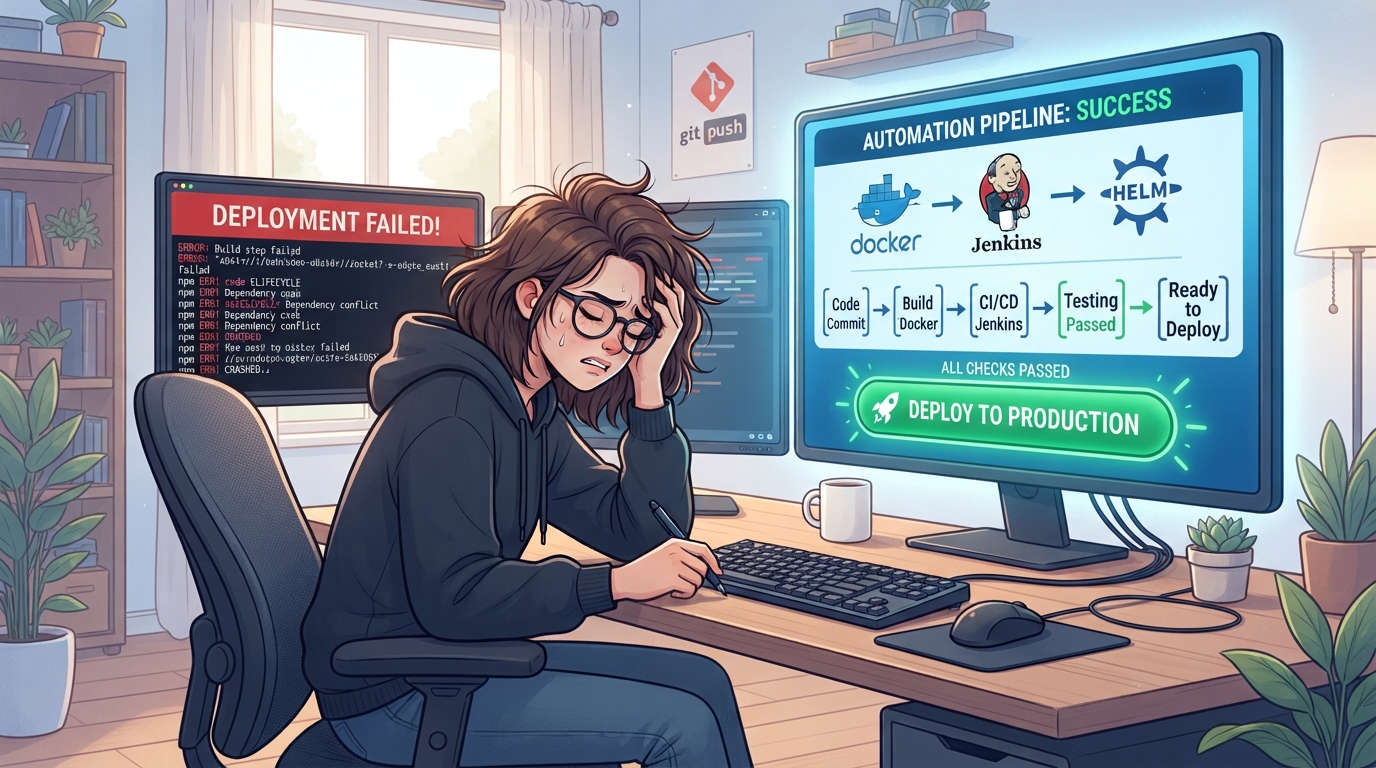
Common Deployment Pitfalls in AI Apps
Deploying an AI app can be fraught with issues that don't surface during local testing. One of the most frequent problems is configuration errors, which occur when the settings in your development environment don't match those in production. This discrepancy can prevent the app from functioning correctly once deployed. Dependency conflicts also pose a challenge, especially when the app relies on specific versions of libraries that aren't compatible across different environments.
Another common issue involves environment mismatches. These occur when the production environment lacks certain configurations or resources present in the development setup. Such mismatches can lead to unexpected behaviour or outright failure when attempting to run your app live.
- Configuration errors due to environment differences
- Dependency conflicts with library versions
- Environment mismatches causing resource issues
- Unresolved runtime exceptions
- Incompatible deployment scripts
Diagnosing Deployment Failures: A Step-by-Step Guide
To tackle deployment failures systematically, it's important to follow a structured approach. Begin by checking the error logs for any obvious failure messages that might indicate what went wrong. This initial step can often point directly to the source of the problem. Next, verify that all environment variables are correctly set, as these can differ significantly between local and production setups.
If the issue persists, compare the configurations of your local and production environments to identify any discrepancies. Testing your app in a staging environment, which mirrors production, can help isolate problems before a full deployment. Finally, ensure all dependencies are correctly installed and compatible across environments, using tools like Docker to manage consistency.
Essential Tools and Techniques for Successful Deployment
Leveraging the right tools can simplify the deployment process and help avoid common pitfalls. Continuous integration and continuous deployment (CI/CD) pipelines, using platforms like Jenkins or GitHub Actions, automate the build and testing process, ensuring that code changes don't introduce new errors.
Docker is another invaluable tool, providing consistent environments across development, staging, and production. It eliminates the 'it works on my machine' problem by encapsulating your app in a container that runs identically everywhere.
Monitoring tools such as Prometheus or New Relic can alert you to issues post-deployment, enabling swift responses to any problems that arise.
- Implement CI/CD pipelines like Jenkins or GitHub Actions
- Use Docker for consistent environment management
- Leverage monitoring tools for real-time alerts
- Automate testing with scripts
- Regularly update dependencies to prevent conflicts
Our Process: How BuildRescue Gets Your App Live
At BuildRescue, we adopt a methodical approach to resolving deployment issues, starting with a comprehensive audit of your current setup. Our experts meticulously review error logs and configurations to pinpoint the precise causes of failure. We then tailor a solution, adjusting configurations, resolving dependencies, and ensuring that your environment is properly aligned across all stages.
Once issues are identified, we implement the necessary fixes and conduct thorough testing in a staging environment. This step ensures that the app will perform as expected before going live. Finally, we assist in deploying the app to production, providing detailed documentation and support to maintain continued success.
Ensuring Long-Term Stability and Performance
To maintain the stability and performance of your AI app post-deployment, ongoing monitoring is essential. Implementing monitoring solutions enables you to track performance metrics and detect anomalies early. Regular updates to dependencies and libraries prevent compatibility issues from emerging over time.
Additionally, employing automated testing for new features or updates helps ensure that new code integrates smoothly with the existing ecosystem. By combining these strategies, you can achieve long-term reliability and optimal performance for your AI app.
- Implement continuous monitoring with tools like Prometheus
- Schedule regular dependency and library updates
- Use automated testing for new features
- Set up alerts for performance anomalies
- Conduct periodic reviews of configurations and environments
What our clients say
“Our app ran fine locally but died on deploy for three weeks. BuildRescue found the env mismatch in hours and had us live in production the same day. Incredible turnaround.”
MDMarcus DelgadoFounder, LedgerLoop “They didn't just patch it, they set up a proper CI/CD pipeline so deploys stopped being terrifying. What used to take us days now happens in minutes. Worth every penny.”
PNPriya NadkarniCTO, Bloomroute “I was ready to give up on launching. Their team diagnosed the dependency conflict, fixed the build, and stayed until it was stable. Fast, clear, and genuinely reassuring throughout.”
TETom ErikssonSolo founder, HabitForge
Services that fix this
- AI Deployment & DevOps ServicesIt works on your machine but not in the cloud. We build the deployment pipeline, environments, and monitoring your AI-built app was missing.
- Hosting & Cloud Infrastructure ServicesWrong host, surprise bills, or a server that keeps falling over. We design and run hosting that fits your app and your budget.
Learn more
Related articles
- Why AI-Generated Apps Fail in Production (and How to Fix It)AI tools get you a working demo fast, then production reveals everything they skipped. Here are the failure patterns and how to fix each one.
- Deploy a Next.js App to Vercel: A Pre-Launch ChecklistBefore you push to Vercel, run through this checklist to avoid the build and configuration errors that block most first deploys.
- How to Choose Hosting for an AI-Built AppThe right host depends on what your app actually does. Here is a simple framework for choosing without overpaying.
Frequently asked questions
- Why does my AI app only work locally and not in production?
- Your AI app may work locally but fail in production due to differences in environment settings, missing dependencies, or incorrect configurations that weren't accounted for outside the local setup.
- What tools can help diagnose deployment issues?
- Tools like Docker, Jenkins, and monitoring solutions such as Prometheus can help identify and resolve deployment issues by ensuring consistent environments and providing real-time performance insights.
- How can I prevent deployment failures in the future?
- Prevent future deployment failures by implementing CI/CD pipelines, using Docker for environment consistency, and regularly updating your dependencies and libraries to avoid compatibility issues.
- What does BuildRescue’s deployment process involve?
- BuildRescue's process involves a thorough audit of your current setup, identifying and resolving root issues through tailored solutions, rigorous testing, and meticulous deployment to ensure successful launches.
- How do I ensure my app remains stable after deployment?
- Ensure post-deployment stability by setting up continuous monitoring, performing regular updates, and conducting automated testing to catch potential issues before they affect performance.
Stuck on exactly this?
Send us your repo and the error. We will triage it and reply with a fixed-scope plan within one business day.