Cursor Can't Connect to Your Database? Read This First
Connection refused, timeouts, or SSL errors between your Cursor app and its database. Here's what usually causes it and what to verify.
· BuildRescue Engineering
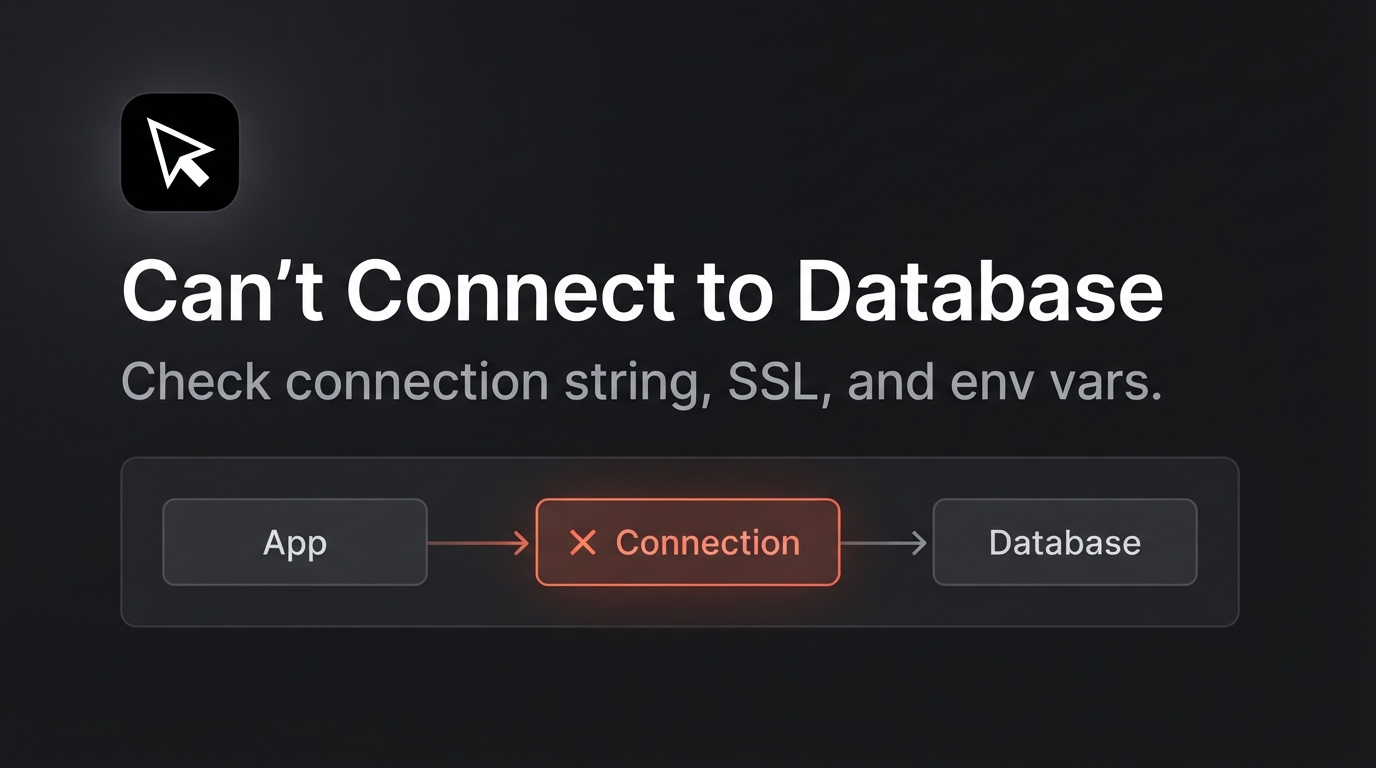
Understanding Database Connection Hiccups in Cursor
When your Cursor app can't connect to the database, it often feels like hitting an unexpected roadblock. These issues might manifest as vague connection timeouts, those frustrating SSL errors, or even complete connection refusals.
With AI-generated code, such challenges are unfortunately quite common, mainly due to the way these tools construct connections without the nuanced understanding a seasoned developer would employ. This lack of precision can cause a simple connectivity problem to cascade into a larger issue, especially if not addressed swiftly.
Connection issues in Cursor apps usually arise because the generated code doesn't account for the specificities of real-world database environments. These tools often omit critical details like connection string syntax or SSL configuration, leading to errors that require immediate attention.
Recognizing the signs early on can save you from prolonged downtime and help you identify if the problem lies within the code generation itself or the deployment environment. This is particularly important as these problems can escalate quickly, affecting various parts of the application and leading to a more complex troubleshooting process.
The symptoms of database connection issues are not just technical; they can relay as a broader impact on the functionality of your application. A failed connection might prevent data retrieval, resulting in blank pages or partially loaded interfaces for end-users.
Addressing these early signals can help mitigate larger issues down the line, ensuring your app operates smoothly and reliably. Understanding how these issues emerge is the first step in crafting a solution that lasts. By getting to the root of the problem, you can improve your app's resilience and reduce the frequency of such disruptions.
Fast Track Checks for Database Connection
Before diving into deep troubleshooting, a few rapid checks can sometimes resolve the database connection issue with your Cursor app. These steps are safe and reversible, so you won't risk further disruption.
By performing these preliminary checks, you might quickly identify a straightforward oversight, such as a typo in the connection string or a misconfigured security setting, which can be corrected with minimal effort.
These checks also help in narrowing down the potential causes of the issue. Often, connectivity problems stem from simple errors like incorrect environment configurations or network misalignments. By validating these elements, you can either resolve the issue directly or gather valuable information to guide more advanced troubleshooting or professional assistance.
This structured approach minimizes downtime and ensures that your app returns to normal functioning as quickly as possible.
Moreover, engaging in these checks reinforces a disciplined approach to deployment, encouraging thorough documentation and setup verification. This proactive stance is beneficial not only for immediate problem resolution but also for preventing similar issues in future projects.
It builds a foundation of good practices that enhance your development workflow and make your applications more robust against common connectivity problems.
- Ensure your internet connection is stable and allows outbound connections.
- Verify that your database server is running and accepting external connections.
- Double-check the database connection string for correctness and typos.
- Confirm that the necessary ports are open and not blocked by a firewall.
- Ensure SSL configurations are correctly set if your database requires it.
- Check for any recent changes in the database's IP address or host settings.
- Confirm that your environment variables are defined and correctly loaded.
Typical Setups Facing Connection Woes
Certain setups and environments are notoriously more susceptible to database connectivity issues when using Cursor. For instance, applications deployed on cloud platforms often encounter connectivity problems due to misconfigured network settings or restrictive firewall rules. These issues are compounded when dealing with remote databases, where connection paths are longer and more prone to interruptions.
In such cases, even minor discrepancies in configuration can lead to significant connectivity challenges.
In development environments, using local database instances might lead to oversight in setting up proper access permissions or ensuring the local network is correctly configured to handle external requests. These trivial setups can create cascading problems, especially when the transition is made from development to production without thorough testing.
Developers often assume that local configurations will seamlessly translate to cloud environments, which is seldom the case without deliberate adjustments and testing.
Furthermore, database configurations that rely heavily on environment variables might encounter issues if these variables are not correctly set or if their values are mismatched between different stages of deployment.
This often happens due to the AI's inability to dynamically adjust to different environments, resulting in a rigid setup that fails when any small element changes. The inability to adapt these configurations easily can lead to prolonged troubleshooting periods unless interventions are made to ensure consistency across all environments.
Root Causes of Database Connection Failures
Understanding the root causes of database connection failures is crucial for anyone facing this issue with a Cursor app. There are several common culprits that typically lead to these failures, each requiring careful consideration and often detailed investigation.
Knowing these can help in diagnosing the issue more effectively and deciding on the appropriate course of action to mitigate it.
Faulty components in the connection setup often lead to these failures. Misconfigured connection strings, incorrect environment variable settings, SSL mishaps, and network restrictions can all play a part. Identifying where the breakdown occurs requires methodical checking, often starting with the simplest explanations and working up to more complex ones.
This structured approach is essential for maintaining control over the troubleshooting process and ensuring all possibilities are considered.
It's also important to recognize that these issues may not always stem from a single source. Interactions between multiple components, each potentially misconfigured, can create compounded problems that are harder to isolate and fix.
By understanding the interplay between these elements, you can develop a more comprehensive strategy for resolving connectivity issues and preventing them from recurring in the future.
Misconfigured Connection Strings
A frequent cause of database connection issues is misconfigured connection strings. These strings must accurately reflect the database's server address, port, database name, and any necessary credentials.
In AI-generated code, connection string syntax errors occur when the tool fails to understand or apply the precise string format required by specific database systems, leading to a cascade of errors that prevent successful connections.
This problem can often be traced back to the AI's inability to parse and format strings based on nuanced database-specific requirements, which experienced developers would intuitively adjust for.
These misconfigurations can be particularly problematic when deploying applications across different environments, each with its own unique set of connection parameters. The rigidity of AI-generated code often means that these discrepancies aren't automatically adjusted for, resulting in failed connections during deployment.
The complexity of some database connection strings, which may include special characters or encoded credentials, further complicates this issue, requiring careful manual oversight to ensure correctness.
Missing or Incorrect Environment Variables
Environment variables play a critical role in defining connection parameters dynamically. Missing or incorrect definitions can cause the Cursor app to fail in retrieving necessary credentials or configuration settings.
This is often seen when variable names are mistyped or not properly loaded into the deployment environment, resulting in the app attempting to connect with incomplete or default values. Such oversights are common when transitioning code between development and production, where environmental differences may not be accounted for adequately.
Moreover, the process of managing environment variables can itself introduce errors if not handled systematically. Ensuring that these variables are correctly defined and loaded requires a keen eye for detail and an understanding of the underlying infrastructure's needs.
This involves not only verifying their existence but also checking for consistency across different environments and stages of deployment. Failure to do so can lead to a myriad of connectivity issues that may seem elusive but often boil down to simple configuration mismatches.
SSL Configuration Issues
SSL errors occur frequently when the Cursor app's generated code doesn't correctly implement the security protocols required by the database. This can result in connection refusal errors, as the database server denies connections that don't comply with its SSL policy.
The AI's limitations in adapting to secure environments often lead to such oversights, necessitating manual intervention to align configurations with security requirements. A proper understanding of both the client's and server's SSL requirements is crucial to prevent these kinds of errors.
Additionally, maintaining up-to-date SSL certificates and ensuring they are correctly referenced in the code is essential for avoiding connectivity issues.
The dynamic nature of SSL configurations, which may change over time due to updates or policy changes, means that static code generated by AI might not adapt well unless these aspects are manually reviewed and updated regularly.
This highlights the ongoing need for human oversight in environments where security is paramount, and even minor discrepancies can lead to significant disruption.
Network and Firewall Restrictions
Network settings and firewall rules can also prevent a Cursor app from connecting to its database. These restrictions might block essential ports or IP addresses needed for communication, often a result of default settings not being aligned with application requirements.
Such issues highlight the need for a thorough understanding of both the application's and the network's configurations to ensure seamless connectivity. Often, these restrictions are overlooked during the initial setup, leading to frustrating connectivity errors during deployment.
To address these issues, it's important to review network policies and firewall settings to ensure they permit the necessary traffic for your application to communicate with its database. This involves not only checking for open ports but also ensuring that IP whitelists are updated and that no unintended restrictions are present.
Additionally, understanding the network topology and how your application fits within it can help in diagnosing these kinds of connectivity issues, ensuring a smoother operation once resolved.
Safe DIY Checks Before Calling for Backup
While professional assistance is often necessary, there are some non-destructive checks you can perform yourself to address the database connection issues. Remember to back up your data before making any changes to protect against potential data loss.
These checks are designed to be simple yet effective in identifying common pitfalls that might be disrupting your database connectivity.
By conducting these checks, you gain a clearer understanding of where the issue might lie, whether it's a simple configuration error or something more ingrained in the system architecture. These steps provide a structured way to eliminate potential causes, minimizing the number of unknowns and focusing your efforts on the most promising avenues for resolution.
It's an approach that promotes confidence in your troubleshooting abilities, even if the issue ultimately requires expert intervention.
Additionally, performing these checks helps you document the current state of your system, which can be invaluable when consulting with professionals. A clear, detailed account of what was checked and the results can significantly speed up the diagnostic process, allowing experts to zero in on less obvious issues more quickly.
This collaborative approach maximizes efficiency and reduces the time your application is out of operation.
- Re-evaluate the connection string for any obvious errors or mismatches.
- Test the connection on a local development environment to isolate the issue.
- Reconcile environment variable values with their expected entries.
- Confirm that network settings allow the necessary traffic between your app and the database.
- Review any recent code changes that could have affected database connectivity.
Why Cursor’s AI Struggles with Databases
Cursor's AI coding capabilities excel in generating quick, functional snippets of code but often fall short when it comes to complex integrations like database connections. This stems from the AI's inherent limitations in understanding the full scope of an application's architecture and the specific requirements of different database systems.
The nuances involved in database connectivity often exceed the AI's capacity to manage dynamically, especially in environments where configurations are continually evolving.
One of the main struggles lies in the AI's static approach to code generation. It frequently produces boilerplate code that lacks the adaptability needed for diverse environments, leading to issues when the generated code encounters real-world variables it was not programmed to handle. This is particularly evident in environments with dynamic or evolving database configurations.
The rigidity of AI-generated solutions makes them susceptible to failure when deviations from expected scenarios occur, necessitating human intuition and experience to guide successful troubleshooting.
Moreover, the AI's context limitations mean it cannot always effectively integrate security protocols or adapt to customized network settings. These are critical for maintaining operational database connections, and a failure in these areas often results in the errors and timeouts that perplex non-expert developers.
The gap between generic code generation and specific implementation needs often results in connectivity mishaps that require manual corrections and adjustments to resolve.
Knowing When Expert Intervention is Needed
Recognizing when to call in expert help is crucial to prevent exacerbating the issues with your Cursor app's database connection. Prolonged downtime and potential data loss are significant risks if problems persist without professional intervention.
While initial troubleshooting efforts can address common issues, ongoing difficulties often signal deeper underlying problems that require specialized skills to diagnose and resolve.
If you've exhausted the DIY checks and the issue remains unresolved, it's a clear sign that deeper expertise is required. Symptoms like repeated SSL errors despite correct settings, persistent connection timeouts, or issues that reappear after temporary fixes indicate underlying problems that require a detailed examination and resolution strategy.
In such cases, engaging with experts can provide insights into complex system behaviors that are beyond the scope of basic troubleshooting.
Ultimately, seeking expert intervention ensures that the root causes are addressed thoroughly and efficiently. Professionals can offer insights into subtle misconfigurations that might not be obvious to non-specialists, ensuring your application returns to stable operation and is robust against future connectivity issues.
This not only resolves the immediate problem but also sets up a framework for better handling potential future issues, enhancing the longevity and reliability of your application.
Frequently asked questions
Why does my Cursor app keep timing out when connecting to the database?
- Timeouts often occur due to network issues, incorrect connection strings, or misconfigured environment variables. Ensuring these elements are correctly set up can help resolve the problem.
What are common SSL errors with Cursor apps?
- SSL errors usually happen when the generated code doesn't align with the database's security requirements. This can occur if SSL certificates are not correctly configured or if the database enforces strict security protocols that the AI coding tool didn't account for.
How can I verify my database connection string for Cursor?
- Double-check your connection string for any errors in the server address, port number, credentials, and database name. Ensure it matches the format required by your database system and that no typos exist.
Why isn't my Cursor app reading environment variables?
- This issue may arise if the environment variables are not correctly defined or loaded during deployment. Verify that the variable names are spelled correctly and match those used in your code.
When should I seek help for database connection issues?
- If the problem persists after performing basic checks, or if you encounter repeated errors despite seemingly correct configurations, it's time to seek professional help to prevent further disruptions.