Cursor Supabase Not Working? Read This First
Queries return nothing, or RLS blocks everything. Here's why AI-built Supabase setups fail and what to verify safely.
· BuildRescue Engineering
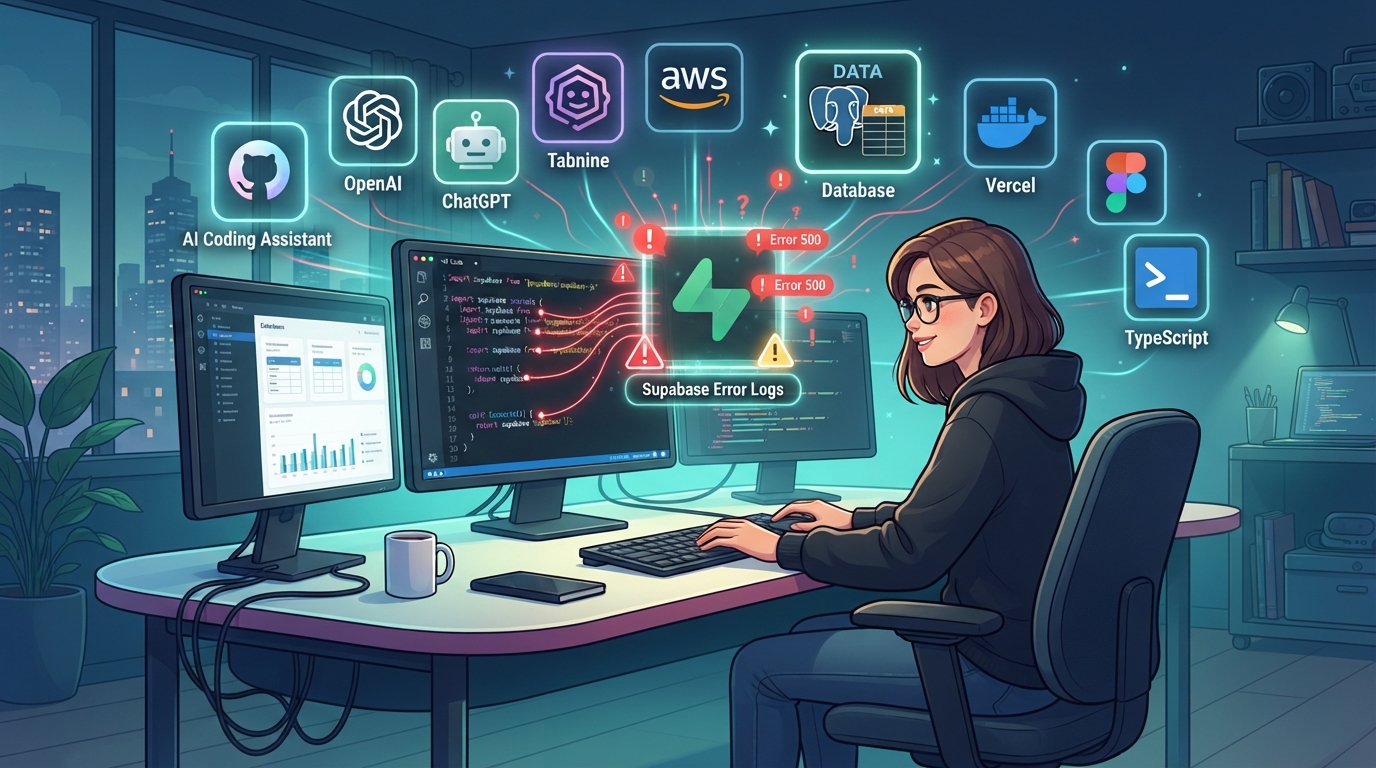
Recognizing Supabase Issues in Cursor Apps
When tackling the problem of Supabase not working in Cursor apps, it's crucial to first identify the symptoms. These issues often manifest as queries returning empty results, or more frustratingly, as complete access blockages due to misconfigured Row Level Security (RLS) policies.
Users frequently encounter scenarios where their carefully set up database interactions lead to unexpected roadblocks, leaving them puzzled about what went wrong. These symptoms can appear suddenly, often after what seemed like a successful deployment, plunging the builder into a state of confusion. Detecting these issues early can save you from unnecessary downtime and headaches.
One common symptom is the apparent malfunction of database queries that should otherwise return data. This can be perplexing, especially if the setup initially appeared correct. RLS policies, designed to restrict database access, can inadvertently block all queries when not configured correctly.
This issue is compounded by AI tools, as their automated code generation doesn’t always align with the nuanced requirements of a Supabase setup. As a result, users find themselves staring at blank query results or authentication errors that seemingly have no clear origin.
Understanding how RLS works and how it interacts with your data is essential for troubleshooting.
Another telltale sign of Supabase issues in Cursor apps is the unexpected behavior of authentication systems. Users might encounter situations where access credentials are not properly validated, or where API integrations fail to execute as intended. These incidents typically arise from discrepancies in environment variable configurations, which are critical for establishing secure and functional connections.
In many cases, the AI-generated code may overlook or misinterpret the precise demands of these configurations, leading to a cascade of operational failures. Recognizing these symptoms can help you pinpoint the root of the issue more effectively and guide your troubleshooting process in the right direction.
Quick Safety Checks Before Diving Deeper
Before delving into deeper troubleshooting, there are several immediate checks you can perform to rule out basic configuration errors. These steps are safe and non-destructive, ensuring that you can verify functionality without risking further issues. By conducting these preliminary checks, you can often identify simple oversights that could be causing your Supabase functionality to falter.
These checks serve as the first line of defense and are crucial for eliminating the most common sources of error quickly and efficiently.
- Verify that your environment variables are correctly set and match the naming conventions used in your app.
- Check the Supabase dashboard for any recent changes or alerts that might indicate service disruptions.
- Ensure that the Row Level Security (RLS) policies are properly configured and not overly restrictive.
- Confirm that your API keys are active and have the necessary permissions in the Supabase settings.
- Review deployment logs for any error messages that might provide clues about the failure points.
- Validate your database connection strings to ensure they are updated and accurate.
- Test your app with a simple query or function to confirm basic connectivity.
AI-Generated Setups Prone to Supabase Issues
Supabase integration challenges are most commonly encountered by solo developers, startup founders, and non-expert technologists utilizing Cursor to build their applications. These users often rely heavily on AI-generated code, which, while expedient, may not always address the intricate requirements of services like Supabase.
The simplicity and accessibility of AI coding tools attract users with varying levels of technical expertise, aiming to rapidly prototype and deploy applications without deep dives into backend complexities. However, this ease of use can sometimes mask underlying issues until they become significant hurdles.
Typically, those who face issues are in the early stages of development, where the emphasis is on getting a minimum viable product (MVP) running. This rush can lead to overlooking crucial configuration steps, leaving room for errors that might not be immediately apparent.
The allure of AI tools lies in their ability to handle much of the coding process autonomously; however, when it comes to nuanced tasks such as configuring RLS policies or managing sensitive environment variables, the limitations of AI become evident.
When critical configurations are not addressed correctly, what begins as minor oversights can grow into major obstacles.
Moreover, these users often lack the extensive debugging experience needed to unravel complex database interaction issues. As a result, when something goes awry, it can seem insurmountable without external guidance.
The variability in coding practices and lack of standardization across AI tools further exacerbate these challenges, leading to a situation where users are unsure of the next steps when a problem arises.
This uncertainty highlights the importance of understanding the limitations of AI-generated setups and the necessity for supplemental human expertise in resolving such issues effectively.
Exploring Common Causes of Supabase Failures
Supabase issues in AI-generated setups often stem from a few recurring themes that builders encounter. Understanding these common causes can provide clarity and direction for troubleshooting efforts. Identifying the root cause of a problem is a critical first step in resolving it, and knowing what to look for can make this process much more efficient.
Misconfigured Row Level Security (RLS) Policies
RLS is a powerful feature in Supabase that controls access to rows within a table based on a set of rules. However, when AI tools generate these policies, they might default to overly strict or incorrect conditions, inadvertently blocking legitimate queries.
Often, AI-generated RLS implementations lack the context sensitivity needed to discern the specific access requirements of different users, leading to unwarranted access denials. This is particularly common when the generated code assumes default settings are sufficient without a nuanced understanding of the application's requirements.
Ensuring that your RLS policies are correctly set up to reflect your app's specific needs is crucial for smooth operation.
RLS misconfigurations can also arise when builders attempt to refine AI-generated policies without a full understanding of how they function. Without clear documentation or a thorough understanding of Supabase’s mechanisms, making changes can lead to further complications.
It is important to approach the configuration and adjustment of RLS policies with care, using available resources and documentation to guide the process effectively.
Environment Variables Misconfiguration
Environment variables play a critical role in securely managing configuration settings and secrets. In AI-generated setups, these variables are sometimes incorrectly named or placed in the wrong context, leading to failures in execution. The AI tools might misspell variable names, omit necessary variables, or fail to update variable paths following changes in the app's architecture.
This results in authentication failures, incorrect database connections, and incomplete feature execution, which can all manifest as Supabase not working as intended. Checking and correcting your environment variables should be a top priority when troubleshooting.
Misconfigured environment variables can be particularly insidious because they often don't trigger noticeable errors until specific functionality is attempted. Therefore, keeping a detailed log of variable names and their expected values, as well as routinely verifying them against your app's requirements, can prevent these types of issues from occurring.
This proactive approach can save significant time and effort during the debugging process.
Incomplete API Key Permissions
Another frequent issue is inadequate API key permissions, where the keys generated or used by AI tools are not set with the appropriate scopes. This limitation can restrict the app's ability to perform necessary operations, leading to partial or full service outages.
AI tools, focused on generating functional code quickly, may neglect the finer details of permissions that are essential for nuanced operations required by Supabase. Ensuring that API keys are properly configured with necessary permissions is a critical step in maintaining app functionality.
Inadequate API permissions can result in significant disruptions to both frontend and backend operations. When permissions aren't set correctly, attempts to access certain services or functionalities may be denied, leading to incomplete application performance. Regularly reviewing API key settings and aligning them with your application’s needs helps mitigate the risk of permission-related issues.
Lack of Contextual Error Handling
AI-generated code often lacks tailored error handling, which is crucial for diagnosing and addressing issues in real time. This deficiency means that when a Supabase error occurs, the system fails to provide meaningful feedback, leaving developers to decipher generic error messages.
Without specific error handling, identifying the root cause of a failure becomes significantly more challenging, often leaving developers in the dark about the necessary corrective actions. Implementing robust error handling practices can significantly improve your ability to troubleshoot effectively.
The absence of detailed error handling routines contributes to prolonged downtime and increased frustration for developers attempting to resolve issues. Establishing a comprehensive error logging and reporting system can provide valuable insights into the nature and origin of errors, enabling faster and more accurate problem resolution.
By prioritizing effective error management, you can enhance the resilience of your application against unforeseen challenges.
Safe Steps to Verify Supabase Configuration
For those inclined to take matters into their own hands, there are several actions you can safely perform to verify your Supabase configuration. These steps should be handled with care, and always ensure you have a backup before making changes to your configuration.
By taking a systematic approach to verification, you can address potential issues while maintaining the integrity of your app’s setup.
Begin by cross-checking your environment variable names against the Supabase documentation to ensure accuracy. Access the Supabase dashboard and verify that your database tables are configured with the correct RLS policies. Use the Supabase API explorer to manually test endpoints and ensure they respond as expected.
Review your app's deployment pipeline for any changes that might have affected the integration. Check your network settings to make sure there aren't any firewall rules blocking Supabase connections.
These steps provide a thorough overview of your Supabase setup, helping to identify oversights or misconfigurations that could be causing issues. Regularly reviewing these elements ensures that your application remains functional and secure, while also providing a clearer understanding of the interplay between different configuration components.
Such proactive measures can safeguard against future disruptions and help maintain a stable and reliable system.
- Cross-check your environment variable names against the Supabase documentation to ensure accuracy.
- Access the Supabase dashboard and verify that your database tables are configured with the correct RLS policies.
- Use the Supabase API explorer to manually test endpoints and ensure they respond as expected.
- Review your app's deployment pipeline for any changes that might have affected the integration.
- Check your network settings to make sure there aren't any firewall rules blocking Supabase connections.
When AI Tools Fall Short with Supabase
AI tools, while powerful in their ability to quickly generate code, often fall short when dealing with the complexities of Supabase integrations. These tools are designed to optimize and automate repetitive tasks but are not adept at handling the nuanced configurations required by advanced database management systems like Supabase.
Recognizing these limitations is important for understanding when human intervention is necessary.
A major drawback of AI-generated code is its reliance on generic templates that may not fit the specific needs of each application. Supabase requires precise configurations, such as custom RLS policies and accurate environment setups, which are difficult for AI to predict without human intervention.
The tools are excellent for creating basic structures, but they lack the insights needed to implement complex, situation-specific logic. When encountering issues, it’s crucial to assess whether AI-generated code can meet your application’s specific demands.
Moreover, AI's inability to contextually understand and respond to errors in real-time creates a gap in handling dynamic application requirements. Where human developers can iterate and adapt based on feedback and observed outcomes, AI-generated code remains static, failing to address evolving needs or unexpected failures within the app's lifecycle.
This limitation highlights the need for human oversight and expertise in debugging and refining AI-generated systems, particularly in database-intensive applications. By acknowledging where AI tools excel and where they need support, you can more effectively manage your development process.
Knowing When to Consult a Supabase Expert
Knowing when to seek expert help can save time, resources, and frustration when dealing with Supabase issues in Cursor applications. Certain indicators suggest that professional intervention is warranted to efficiently resolve complex problems. Recognizing these signs can be crucial for managing your application’s development effectively and avoiding prolonged downtime.
Persistent issues that do not respond to basic troubleshooting steps are a major signal. If errors persist despite confirming the accuracy of environment variables, RLS policies, and API permissions, it is likely that the issue goes beyond simple misconfigurations.
At this point, an expert with experience in Supabase and AI-generated setups can provide the necessary insights to diagnose and fix the problem. Their expertise can offer a deeper understanding of the issues and guide you toward a more stable solution.
Additionally, when facing time constraints—such as project deadlines—bringing in a professional can prevent wasted efforts and ensure timely resolution. Experts have the skills to quickly identify and correct underlying issues that might not be immediately apparent, thus minimizing downtime and preventing loss of valuable data.
Finally, if your application involves sensitive data or needs to comply with strict security standards, relying on an expert ensures that configurations meet the required security protocols, safeguarding your app against potential breaches. Trusting professionals to handle these situations can provide peace of mind and maintain the integrity of your application.
Frequently asked questions
How do I know if RLS is causing issues in my Supabase setup?
- RLS issues often manifest as blocked queries or unexpected access denials. To check, review your Supabase RLS policies in the dashboard. If they are too restrictive, they might be preventing legitimate data access.
What are the first things to check if Supabase isn't working?
- Begin by verifying your environment variables and ensuring they match Supabase's documentation. Next, check your RLS policies and API key permissions. These areas are common sources of initial configuration errors.
Can AI-generated code handle complex Supabase configurations?
- AI-generated code is excellent for basic setups but often struggles with complex configurations such as detailed RLS policies and precise environment variables, which require nuanced human insights.
Why do I need to verify environment variables in Supabase?
- Environment variables are crucial for secure and correct application operation. Misconfigured or missing variables can lead to authentication failures and incomplete functionalities in your Supabase setup.
When should I consider professional help for Supabase?
- Seek professional help when basic troubleshooting fails, when facing tight deadlines, or if your application handles sensitive data requiring strict security compliance. Experts can efficiently resolve complex issues and ensure robust configurations.