AI-Generated App Won't Start? Start With These Checks
It installs fine and then refuses to boot. Here's why AI-generated apps fail at startup and what to verify safely.
· BuildRescue Engineering
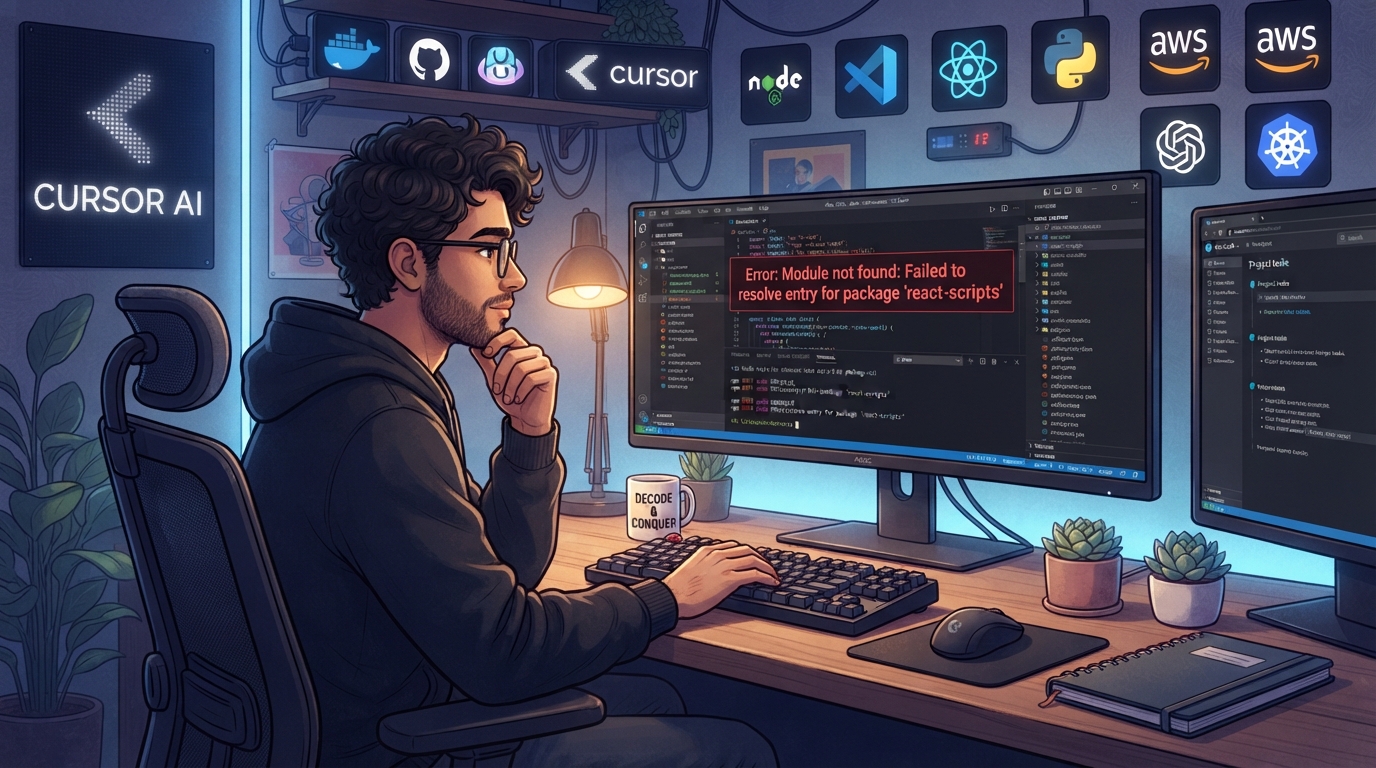
Identifying Startup Symptoms in AI-Generated Apps
When an AI-generated app won't start, it often manifests in a variety of frustrating ways that can leave developers feeling stranded. Typically, you might encounter a blank screen, an unresponsive interface, or more commonly, error messages that provide little clarity.
These issues often arise immediately after you attempt to launch the app, disrupting the flow and leaving you unsure of where to begin. The sudden halt can be disheartening, especially after investing time and effort into getting the app ready for deployment.
The error messages can range from vague notifications like 'Fatal Error' or 'Operation Timed Out' to more specific alerts about missing modules or configuration errors.
These symptoms can occur with any AI coding tool, whether you're using Cursor, Codex, or Lovable, as the AI-generated code doesn't always align perfectly with the desired environment configuration, leading to startup failures. This misalignment is often due to the complex nature of environments and the assumptions AI tools might make during code generation.
In many cases, the app may seem to install without incident but then fail to initiate, or it might work in a development environment but break in production. This discrepancy between environments is common and can result from overlooked dependencies or incorrect environment variables.
Recognizing these symptoms early on can save you from prolonged troubleshooting and help guide you toward a resolution or the need for expert intervention. Understanding these early signs is crucial, as it allows you to take appropriate action before the issue becomes more complicated.
Immediate Startup Checks for AI-Generated Apps
Before diving deep into debugging, there are several immediate checks you can perform to troubleshoot why your AI-generated app won't start. These are safe, non-destructive verifications that can often resolve issues quickly or at least narrow down the underlying problem.
Beginning with these checks is advantageous as they require minimal technical expertise and can be completed swiftly, providing you with a clearer direction for further diagnosis.
Verifying that all necessary environment variables are set and correctly named is a simple yet essential step. These variables are case-sensitive, and a minor typo or casing error can lead to significant startup problems. Similarly, checking your package manager's configuration files for missing dependencies can prevent unnecessary roadblocks.
Often, AI-generated code might assume the presence of certain libraries, which are crucial for the app's operation.
Another critical area to inspect is the app's logs, which can reveal the first error message that appears during startup attempts. This often provides insights into what might be going wrong.
Additionally, ensure that your Docker container configuration is correct and that images are up-to-date, as outdated or misconfigured images can be a common stumbling block. Validating API keys and authentication tokens and examining system resources are also vital steps in ensuring that the app has everything it needs to start properly.
- Verify that all necessary environment variables are set and correctly named; they are case-sensitive.
- Check for any missing dependencies in your package manager's configuration files.
- Review the app's logs for the first error message that appears during startup attempts.
- Ensure that your Docker container configuration is correct and that images are up-to-date.
- Confirm that the API keys and authentication tokens are valid and properly configured.
- Examine the system resources (RAM, CPU) to ensure they aren't being exhausted.
- Validate that network configurations, such as ports and firewalls, aren't blocking startup.
Common Configurations Prone to Startup Issues
Certain configurations are more susceptible to startup issues, particularly when dealing with AI-generated code. Docker setups, for example, are notorious for introducing startup problems due to their reliance on precise environment specifications and correct image management.
Inconsistent or outdated Docker images can lead to apps that fail to boot, even if they appeared to work in a different context. Ensuring your Docker configurations are up-to-date and well-aligned with your app's requirements is crucial.
Dependency managers, such as npm or pip, can also be culprits when they fail to resolve dependencies correctly. This often happens when AI-generated code specifies versions that conflict with one another or with the system's existing libraries.
Such conflicts can prevent the app from starting altogether, frustrating developers who may not immediately recognize the source of the problem. txt files can sometimes reveal these issues, indicating a need for version adjustments or updates.
Moreover, incorrect configuration files, such as improperly set environment variables or incorrect JSON/YAML syntax, can silently cause startup failures. AI tools might generate these configuration files automatically, but subtle errors in their content—such as a missing comma or an incorrect indentation—can be all it takes for the app to malfunction.
Understanding these potential pitfalls is key to resolving startup issues effectively. Taking the time to meticulously review these files can prevent simple mistakes from escalating into complex problems.
Root Causes of AI-Generated App Startup Failures
Startup failures in AI-generated apps can stem from several root causes, often involving a combination of configuration errors, dependency mismatches, and specific technology interactions. Understanding these causes is crucial for diagnosing and resolving the issue efficiently. By identifying the root cause, you can avoid unnecessary fixes and focus directly on what needs adjustment or correction.
Configuration Errors
Configuration errors are a frequent source of startup issues. These can include incorrect environment variable settings, flawed build scripts, or incomplete configuration files that fail to account for necessary runtime specifics. AI tools may generate code that assumes certain defaults, leading to misconfigurations when those defaults don't align with your specific setup.
Carefully reviewing these configurations and comparing them against your environment's requirements is an essential step to pinpointing where things might be going wrong.
Dependency Mismatches
Dependency mismatches occur when the versions of the libraries your app relies on are incompatible. AI-generated code may specify dependencies that aren't available in the repository or that conflict with existing projects. These mismatches can be challenging to spot, especially without detailed error messages to guide you.
Running a dependency audit or manually checking for version conflicts can help in resolving these issues, ensuring that all components of your app can work together harmoniously.
Docker Misconfigurations
Docker misconfigurations are another common culprit, particularly with AI-generated apps that require containerization for deployment. Misaligned environment settings or outdated images can prevent the app from initializing correctly. Ensuring that your Docker setup aligns with your app's needs is crucial for a successful startup.
This involves checking Dockerfile specifications and ensuring that the right environment variables and ports are configured appropriately to support your app's deployment.
Incomplete Logic in AI-Generated Code
An often-overlooked cause is the incomplete logic present in some AI-generated code. AI tools might produce code snippets that lack full implementation details or contain placeholder logic that isn't robust enough for production use. This can result in apps that technically start but fail to operate as expected.
Identifying and addressing these gaps in logic is necessary to ensure that the app can perform its intended functions reliably and without interruption.
DIY Checks Before Seeking Professional Help
If you're determined to troubleshoot the startup issues yourself, there are several safe steps you can take before seeking professional assistance. These checks can help you pinpoint the problem or at least eliminate some common causes.
Proceeding with these steps can provide clarity and potentially save you from involving external help prematurely, allowing you to possibly resolve the issue in-house.
Backing up your current configuration and code is a prudent first step before making any changes. This ensures that you can revert to a previous state if the situation worsens.
Manually verifying the presence and correctness of all specified environment variables is also vital, as it eliminates one of the most common stumbling blocks in AI-generated apps. Additionally, running dependency checks using your package manager ensures that all required libraries are installed and compatible with your app's needs.
Inspecting the Dockerfile for errors or omissions that could affect startup is another critical DIY check. Simple errors in the Dockerfile can lead to significant issues during initialization.
Testing the app in a local environment can also reveal if the problem persists outside of production, which can provide valuable insights into whether the issue is environment-specific or more deeply rooted in the code itself.
- Back up your current configuration and code before making changes.
- Manually verify the presence and correctness of all specified environment variables.
- Run dependency checks using your package manager to ensure all required libraries are installed.
- Inspect the Dockerfile for errors or omissions that could affect startup.
- Test the app in a local environment to see if the issue persists outside of production.
Understanding AI Tool Limitations in App Startups
AI tools like Cursor, Codex, and Replit are fantastic for generating code quickly, but they have limitations that can impact app startups. One significant limitation is the AI's understanding of context.
AI models generate code based on patterns they've learned, but they may not fully grasp the specific context of your application, leading to incomplete or inappropriate code snippets. This gap in understanding can create issues that aren't immediately apparent until the app is deployed and run.
Moreover, AI-generated code often includes placeholder logic that requires further refinement. These placeholders can be misinterpreted as functional code but might not handle edge cases or specific scenarios effectively. This is particularly true in startup scripts where precise instructions are crucial.
Without manual intervention and a thorough review, these placeholders can result in unstable applications that fail to start or perform as expected.
AI tools also struggle with complex dependencies and integration needs. While they can suggest implementations, they might not account for all necessary dependencies or version compatibilities, leaving you with code that seems correct but fails to execute.
Recognizing these limitations can help you understand when manual intervention is necessary to ensure your app starts without issues. It's important to be prepared to supplement AI-generated code with human expertise to bridge these gaps effectively.
When to Consider Expert Intervention for Startup Issues
Not all startup issues can be resolved with quick checks or minor adjustments. Recognizing when to bring in experts is key to preventing prolonged disruptions. Persistent startup failures despite various troubleshooting efforts are a clear signal that professional help is needed.
The expertise of professionals can be invaluable in diagnosing complex issues that may not be apparent through surface-level checks.
If you're dealing with complex code interdependencies or have repeatedly encountered the same startup errors without resolution, it's time to consult with an expert. BuildRescue specializes in these exact scenarios, providing the expertise to diagnose and fix the underlying issues comprehensively.
Their experience with AI-generated code and understanding of common pitfalls can expedite the resolution process significantly.
Additionally, if your app is mission-critical and downtime isn't an option, engaging professional services can expedite the troubleshooting process and minimize operational impacts. An expert can offer insights and solutions that aren't readily apparent, helping to ensure your AI-generated app starts and runs smoothly.
This not only saves time but also ensures that your application is stable and reliable in its operational environment.
Frequently asked questions
What are common error messages when an AI app won't start?
- Common error messages include 'Fatal Error', 'Operation Timed Out', and alerts about missing modules or configuration errors. These messages can vary depending on the specific AI tool and environment configuration. Understanding these messages provides a starting point for troubleshooting, helping to narrow down potential causes.
How can Docker configurations affect app startup?
- Docker configurations can affect app startup if the container settings don't align with your application's requirements. Issues with outdated images, incorrect environment variables, or misconfigured port settings can prevent the app from initializing correctly. Ensuring compliance with your app's specific needs is critical for a successful Docker deployment.
Why do AI-generated apps face dependency issues?
- AI-generated apps often face dependency issues because the code may specify incompatible library versions or miss critical dependencies altogether. These mismatches can prevent the app from starting, especially if the AI tool didn't account for specific environment needs. Addressing these issues requires careful review and adjustment of dependencies.
What non-destructive checks can I perform if my app won't start?
- You can perform checks such as verifying environment variables, ensuring all dependencies are installed, reviewing Docker configurations, and checking system resources. These steps are safe and can help identify common startup issues. Conducting these checks provides a preliminary assessment and can guide further troubleshooting efforts.
When should I seek professional help for my AI-generated app?
- Seek professional help when startup issues persist despite troubleshooting efforts, especially if the app is mission-critical or if you encounter complex dependency or configuration problems. Experts can provide comprehensive solutions to resolve these issues effectively. Their specialized knowledge can prevent prolonged downtime and facilitate a stable app environment.