How to Recover a Hacked WordPress Site
A calm, step-by-step process for cleaning a hacked WordPress site and making sure it stays clean.
· BuildRescue Engineering
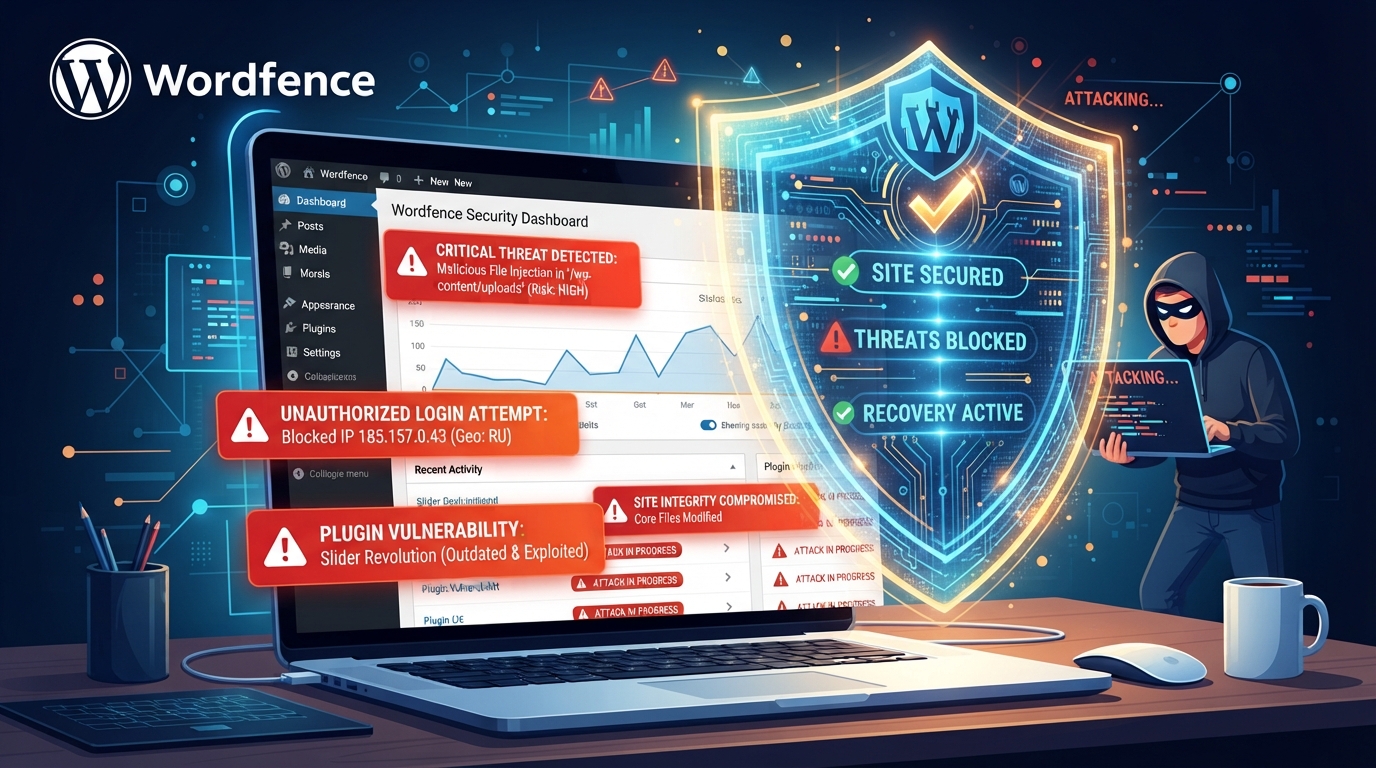
Initial Assessment of the Breach
When you first discover that your WordPress site is hacked, it's crucial to assess the extent of the damage. Begin by checking for any unauthorized changes to your website's appearance or functionality. Look for new users, unfamiliar files, or modifications in your WordPress dashboard. These are telltale signs that your site may have been compromised.
Use security plugins like Wordfence or Sucuri to run a complete malware scan. These tools can help identify which parts of your site have been affected so that you can better plan the recovery process. Understanding the scope of the breach will guide your subsequent actions.
Isolating and Mitigating Immediate Risks
Once the breach is identified, isolate your site to prevent further damage. Taking your site offline temporarily is often the safest route to avoid spreading malware to users or escalating the attack. This can be done by setting your site to maintenance mode or disabling public access through your hosting panel.
Change all passwords related to your site, including those for SSH, FTP, and the WordPress admin. Check for any backdoor installations that might have been set by the hacker to regain access.
- Set site to maintenance mode
- Change all associated passwords
- Disable public access temporarily
- Check for backdoor installations
Comprehensive Cleanup of Malicious Code
The next step is to remove any malicious code from your site. This process can be extensive, so it's vital to use trusted tools. Plugins like MalCare or iThemes Security can automate much of the cleanup by scanning for malware and removing it.
Manually review and delete any suspicious files or code snippets in your WordPress installation. Ensure that you have a backup of your site before making changes, so you can restore it if necessary.
- Use MalCare or iThemes Security for cleanup
- Backup site before modifications
- Manually review suspicious files
- Ensure complete removal of malware
Securing Access Points and Vulnerabilities
Securing your WordPress site requires closing all potential entry points. Start by updating all plugins, themes, and WordPress core files to their latest versions to patch known vulnerabilities. Use secure passwords and consider two-factor authentication for an additional layer of security.
Regularly audit your site for unused plugins or themes and remove them to reduce the attack surface. Implementing a web application firewall (WAF) can also help in blocking malicious traffic before it reaches your site.
- Update all site components
- Implement two-factor authentication
- Remove unused themes and plugins
- Use a web application firewall (WAF)
Regular Monitoring and Maintenance Strategies
Ongoing monitoring is key to preventing future WordPress hacks. Set up a schedule for regular scans using security tools to catch any irregularities early. Consider employing a monitoring service that alerts you to suspicious activity.
Routine maintenance, such as updating your site components and reviewing your security settings, should be a part of your WordPress management strategy. These practices ensure that vulnerabilities are addressed promptly, keeping your site secure and operational.
Frequently asked questions
How do I know if my WordPress site is hacked?
- Signs of a hacked WordPress site include unauthorized content, new user accounts, and irregular site behavior. Use security plugins to confirm any hacks by scanning for malware or unusual code.
What are the best plugins for WordPress malware removal?
- Top plugins for WordPress malware removal include Wordfence, Sucuri, and MalCare. These tools offer scans, clean-up capabilities, and real-time protection against malicious threats.
How can I prevent my WordPress site from being hacked again?
- Prevent future hacks by keeping your WordPress core, themes, and plugins up to date. Use strong passwords, enable two-factor authentication, and consider installing a security plugin for ongoing protection.
Should I take my site offline if it’s hacked?
- Yes, it's often advisable to take your site offline if it's hacked. This prevents further damage and keeps your visitors safe while you work on cleaning and securing your site.
What are common vulnerabilities in WordPress sites?
- Common vulnerabilities include outdated software, weak passwords, and insecure plugins or themes. Regular updates and security best practices can mitigate these risks.