Feature Built by Cursor Doesn't Work? Here's Where to Look
The button clicks but nothing happens. Here's why Cursor-built features fail and how to trace where it breaks.
· BuildRescue Engineering
Recognizing a Broken Cursor Feature
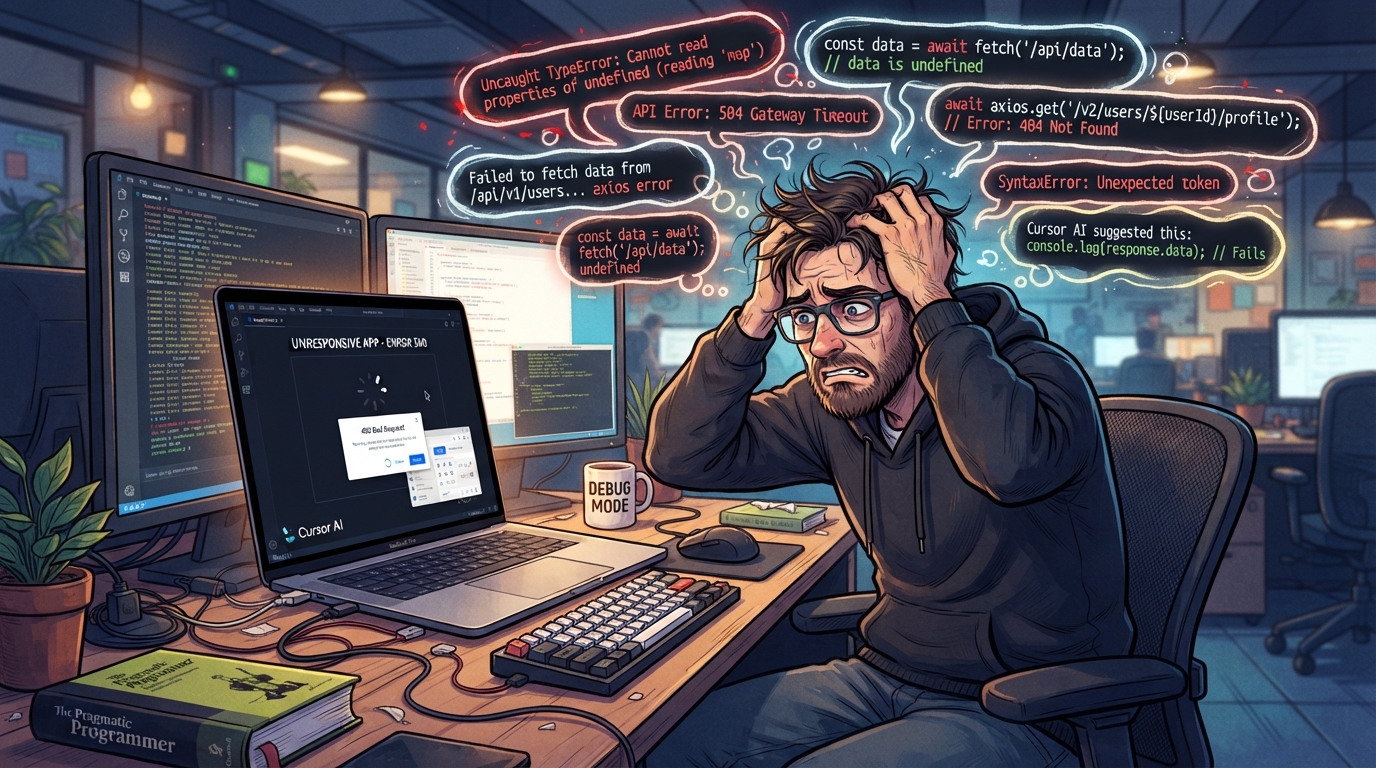
When a feature built by Cursor doesn't work, it can manifest in several frustrating ways. The most common symptom is an unresponsive user interface element, such as a button or link that seems to function visually but triggers no actual response or action within the system.
You might also encounter scenarios where an expected function, like data retrieval or form submission, fails to execute, leaving you with a blank page or error message. These symptoms can be extremely disheartening, especially after investing significant time and effort into developing a feature with the help of AI tools.
Beyond the immediate confusion, these symptoms often hint at deeper integration issues between the front-end and back-end components. For instance, a button that doesn’t trigger an expected action could be due to a missing or incorrect API endpoint.
In some cases, the front-end might be waiting for a response from a non-existent server route, resulting in an indefinite loading state. Similarly, if the feature involves data display and the page remains blank, it could be indicative of a data retrieval failure from the server.
This might occur if the API response format doesn't match what the front-end expects, leading to a breakdown in communication.
Recognizing these symptoms early on is crucial as they signal potential mismatches or missing logic within your application. Understanding what you're observing can guide your initial troubleshooting steps and help you decide when to explore deeper solutions.
By identifying the exact nature of the problem, you can better prepare for the steps needed to address it, whether it involves tweaking API configurations, updating dependencies, or seeking professional assistance to delve into more complex issues.
Quick Fix Checklist for Cursor Features
Before diving deep into code or configurations, start with these non-destructive checks to quickly identify obvious issues that could be affecting your Cursor-built feature. These checks serve as a first line of defense, allowing you to rule out simple problems that might be causing the feature to misbehave.
By systematically going through this checklist, you can often uncover simple oversights or configuration errors that are easy to fix.
Ensure that all environment variables are correctly configured and accessible, as they often hold critical configurations for APIs and other services. A mismatch or missing variable can disrupt feature functionality. Check for any missing or incorrectly named API endpoints, as these are common culprits when features fail to fetch or send data correctly.
Verify that all necessary components and libraries are installed and updated to avoid compatibility issues.
Inspect the browser console for any immediate error messages or warnings. These can provide instant insights into JavaScript errors or network issues affecting your feature. Review network requests to ensure they are being sent and received correctly, confirming that the backend is reachable and responding as expected.
Finally, confirm that permissions and access rights are set appropriately for any external services you're using, and ensure your internet connection is stable, as network instability can affect feature load times.
- Ensure all environment variables are correctly configured and accessible.
- Check for any missing or incorrectly named API endpoints.
- Verify that all necessary components and libraries are installed and updated.
- Inspect the browser console for any immediate error messages or warnings.
- Review network requests to ensure they are being sent and received correctly.
- Confirm that permissions and access rights are appropriately set for any external services.
- Check that your internet connection is stable and not affecting feature load times.
Common Tools and Scenarios Leading to Feature Breakage
Certain setups and tools are particularly prone to issues when features are built with AI coding tools like Cursor. js, which can introduce compatibility issues if not properly integrated. For instance, dynamic routing in SPA frameworks can sometimes conflict with static API endpoints, leading to feature breakage.
This often happens when the AI-generated code doesn't account for the specific routing logic of the framework being used, resulting in features that fail to load or navigate correctly.
Similarly, Cursor features often rely on third-party APIs to function correctly. When these APIs undergo changes or if there are connectivity issues, features can break inexplicably. This is particularly prevalent in development environments where the API keys might not be properly set or when using placeholders that were never replaced with actual data.
It's not uncommon for developers to overlook updating API credentials or configurations, especially if the AI tool used a generic setup during the initial code generation.
Another common scenario involves using AI-generated code with outdated or deprecated libraries. AI models might not always be aware of the latest updates, potentially resulting in features that fail to work as expected. Code generated by AI might call functions or use syntax that has become obsolete, causing runtime errors.
It's essential to ensure that your development environment matches the requirements of the generated code. Regularly updating your libraries and tools can help mitigate these issues, but being aware of these potential pitfalls is key to maintaining a functional application.
Root Causes of Non-Functioning Features
Most Cursor-built features fail for a handful of recurring reasons. The patterns below cover the usual root causes and how to spot them.
API Call Mismatches
One of the primary reasons features built by Cursor fail is due to API call mismatches. This occurs when the endpoint the feature attempts to access either doesn't exist or requires different parameters than those provided.
These mismatches often result from assumptions made during the AI coding process, where generic endpoints are used without considering the specific requirements of your backend. It can be particularly tricky when the API documentation is not thoroughly reviewed, leading to incorrect assumptions about the parameters or the expected response format.
To diagnose this issue, reviewing the API documentation and comparing it against the feature's implementation is crucial. Often, these errors are caught by examining network requests in the developer tools, where discrepancies in the endpoint URL or payload can be identified.
Ensuring that your API configurations are consistently updated and tested can help prevent such mismatches from occurring in the first place.
Incomplete Logic
Incomplete logic is another frequent culprit. AI-generated code might insert placeholder logic that is meant to be fleshed out later. If developers overlook these placeholders, the resulting features can act erratically or not at all. This is particularly an issue in complex algorithms or features requiring conditional logic that the AI cannot predict accurately.
AI tools may create basic loops or conditional statements that are not robust enough to handle edge cases or unexpected input scenarios.
To address incomplete logic, it is important to thoroughly review the code generated by Cursor. Look for comments or sections marked for further development, and ensure that all logical branches are correctly implemented. Adding thorough test cases can help identify weak points in the logic, prompting necessary revisions and improvements.
Missing or Incorrect Dependencies
Missing or incorrect dependencies can also disrupt feature functionality. Cursor might generate code that relies on libraries not included in your project. Even if a dependency is present, a version mismatch can lead to unexpected behavior. Ensuring that all dependencies are correctly installed and updated is critical to maintaining feature integrity.
This involves regularly checking for updates and understanding the changes brought by new versions to avoid breaking changes.
A dependency management tool can be invaluable in tracking and updating these libraries. By maintaining an accurate record of all libraries and their versions, you can quickly identify when an incorrect dependency is causing an issue. Additionally, consulting documentation for each library can provide insights into compatibility and necessary configurations.
Front-end and Back-end Integration Issues
Integration issues between the front-end and back-end are common, especially when AI coding tools are involved. These issues typically present as failures in data exchange or misalignment in data formats, which can prevent features from functioning as intended.
Ensuring that data types and structures are consistent across both ends is essential, as mismatched data structures can lead to parsing errors and incorrect application behavior.
Developers should pay close attention to the API's data model and ensure that the front-end code adheres to this model. Regularly testing data exchanges through the network console can help catch discrepancies early.
In cases where integration issues persist, a detailed review of both front-end and back-end code may be necessary to identify and rectify the misalignment.
Safe Troubleshooting Steps for Features
If the initial quick checks do not resolve the issue, you can proceed with a few safe troubleshooting steps to diagnose the problem further. Always remember to back up your work before making significant changes. This ensures that you can revert to a known working state if the troubleshooting process introduces new issues.
Begin by testing the API endpoints directly using tools like Postman or Curl. This can help determine if the issue lies with the API itself or with how your application accesses it. Also, check for typos or incorrect configurations in critical parts of the code, as these are common sources of errors.
A simple typographical error in an endpoint URL or a configuration file can lead to significant functionality problems.
Look through the application logs for any anomalies or error messages that might indicate what's going wrong. Logs can reveal issues that are otherwise not visible in the user interface or network requests. They often contain detailed information about errors, stack traces, and application states that can guide you to the root cause.
Additionally, ensure that your backup processes are in place so that any changes made during troubleshooting can be reversed if necessary.
- Test API endpoints with tools like Postman to validate connectivity.
- Check for typographical errors in key configurations or code.
- Review server and application logs for detailed error messages.
- Ensure backup copies of your work are created before changes.
- Confirm that all external services are operating without disruptions.
Why Cursor Struggles with Complex Features
AI tools like Cursor are powerful for generating code quickly but often struggle with complex feature logic. This is primarily because AI models rely on patterns derived from existing data and may not fully grasp the context-specific logic needed for intricate features.
As a result, they might generate code that works in theory but fails in practice due to missing contextual understanding. This limitation becomes evident when features require nuanced decision-making or interact with highly specific business logic.
Another challenge is managing dependencies and intricate integrations. AI-generated code might not account for the nuances of integrating with multiple services or databases, potentially leading to incomplete implementations. Features that involve heavy data manipulation or require real-time processing are particularly prone to issues due to the AI's limitations in simulating these environments effectively.
The complexity of synchronizing data across various platforms can lead to inconsistencies and errors if not meticulously handled.
Finally, AI tools may not effectively handle cases where iterative development and refinement are necessary. Complex features often require multiple iterations and tests to refine, a process that AI coding tools are not equipped to manage autonomously. This can lead to features that seem complete but fall short when subjected to real-world usage.
Developers must be prepared to step in, test, and iteratively improve these features to ensure they meet the necessary requirements and perform reliably under different conditions.
When to Seek Professional Help with Cursor Features
Despite your best efforts, there may come a point where professional help becomes necessary to resolve issues with a Cursor-built feature. Persistent errors that do not resolve with typical troubleshooting steps are a clear indicator that expert intervention is required. These could include unexplained crashes, severe integration failures, or features that function unpredictably.
When the problem persists despite exhausting all available troubleshooting options, expertise from professionals with experience in AI-generated code can be invaluable.
Another signal is when the issue involves complex systems or integrations that are beyond the scope of simple fixes. If your feature relies on multiple external services, databases, or complex algorithms, and you fail to identify the root cause, it is advisable to consult with professionals who have the expertise to navigate these complexities.
Specialists in systems integration and debugging can offer insights and solutions that are not readily apparent through standard debugging practices.
Moreover, if deadlines are looming and the time spent troubleshooting exceeds your available resources, engaging with BuildRescue can prevent prolonged downtime and ensure your project stays on track. Our team specializes in diagnosing and fixing issues with AI-generated code, providing the expertise needed to bring your feature to completion efficiently.
We can help identify the underlying issues, suggest optimizations, and ensure that your project's integrity is maintained even when faced with challenging technical hurdles.
Frequently asked questions
What common errors cause Cursor features to fail?
- Common errors include API call mismatches, incomplete logic, missing dependencies, and integration issues between front-end and back-end components. These errors can result from assumptions made by AI tools that don't fully understand the specific context of your application.
How can I identify if a feature problem is due to API issues?
- You can identify API issues by testing the endpoints directly using tools like Postman. Look for connectivity errors or mismatched data formats in the network requests and check the application logs for detailed error messages related to API calls.
What quick checks can I perform for a broken Cursor feature?
- Quick checks include verifying environment variables, checking for missing API endpoints, ensuring all components and libraries are installed, reviewing browser console errors, and confirming network request functionality.
When should I contact an expert for Cursor feature problems?
- Contact an expert when you encounter persistent errors, severe integration failures, or when troubleshooting exceeds your available resources. Professional help is recommended for complex systems or when deadlines are at risk due to unresolved issues.
Why do AI-generated features often have functionality issues?
- AI-generated features may struggle with functionality issues because AI models can lack the context-specific logic needed for complex features. They might not account for dependencies, integrations, or iterative development processes, leading to incomplete or non-functional code.