AI-Generated Website Not Working? Here's Where to Look
It looked great in the builder and broke in the real world. Here's why AI-generated sites fail and how to spot the cause.
· BuildRescue Engineering
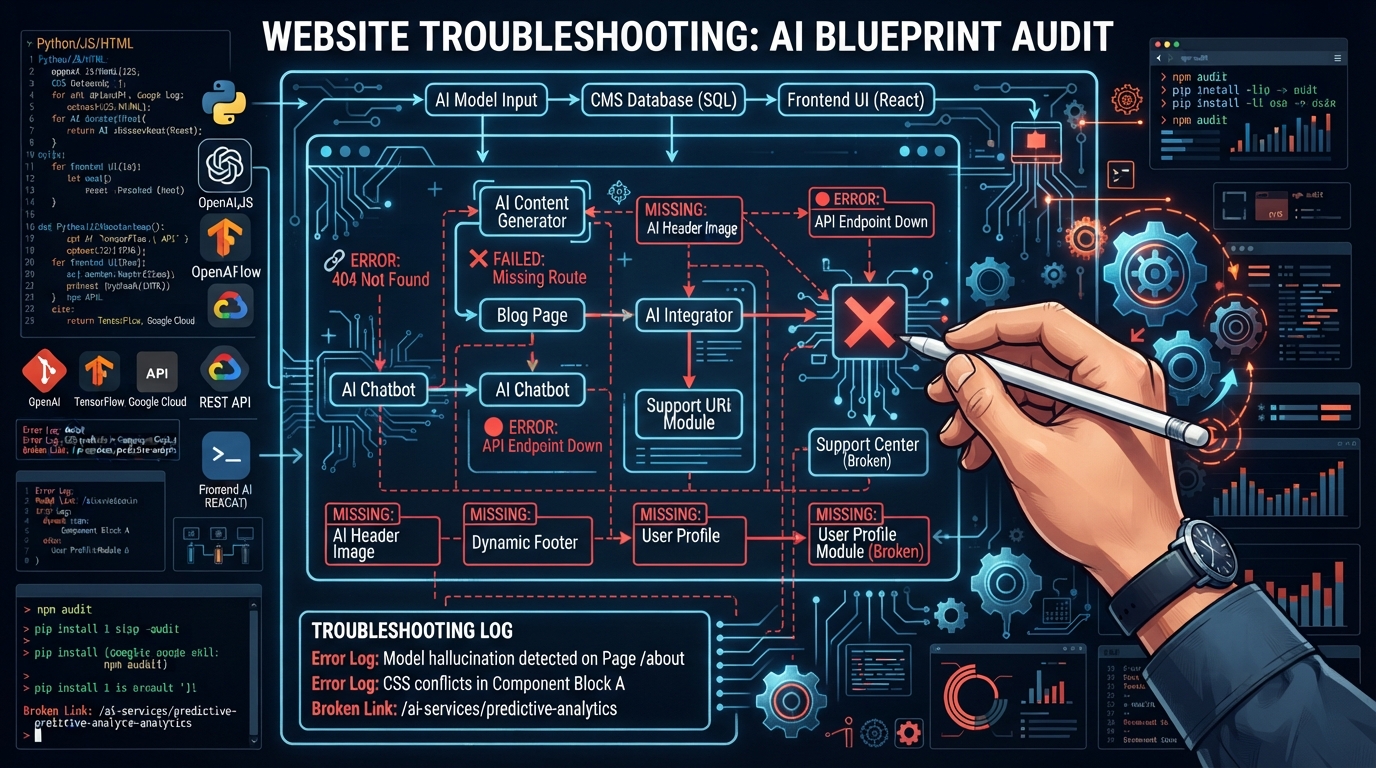
Why AI-Generated Websites Break in Real-World Use
AI-generated websites often present a polished facade within the builder environment, yet this can be misleading when real-world functionality is tested. The transition from a virtual canvas to a fully operational site uncovers a host of potential issues.
These websites are frequently constructed by AI coding tools that excel in generating visually appealing layouts and basic interactions. However, once these sites are deployed, they must contend with real-world variables that these tools may not predictively address.
This can lead to an array of unexpected problems that the AI-generated code is ill-equipped to handle without further customization.
A common symptom of these issues is the website appearing perfectly functional while in the builder but failing to load or crashing once live. This disparity arises because AI coding tools often generate code that lacks the robustness to handle dynamic data, varied user inputs, or complex backend processes.
Consequently, once the website interacts with live data or users, weaknesses in the code become apparent, leading to failures such as broken links, inaccessible content, or even complete non-functionality. It is the gap between the potential demonstrated in a sandbox environment and the challenges of a live context that often reveals these vulnerabilities.
Moreover, the gap between design and deployment is often bridged with incomplete integrations and misconfigured settings. AI-generated websites frequently depend on APIs and other external services that must be precisely defined and operational.
Yet, the automatic creation process might overlook or misconfigure these critical components, laying the groundwork for functionality issues that only become evident in a live setting. This mismatch between expected and actual performance is at the core of why AI-generated websites break post-builder.
Developers often need to take manual actions to resolve such issues, fine-tuning the AI-generated code to operate effectively under real-world conditions.
Essential Safety Checks for AI Website Functionality
To swiftly address the 'AI generated website not working' issue, start with these essential and safe checks. These steps are designed to help you identify visible problems without causing further damage to your website.
While these checks won't solve all issues, they provide a fundamental first step in diagnosing and understanding the extent of the problem. In many cases, these basic verifications can highlight simple oversights or misconfigurations that might be causing the site to malfunction.
Begin by ensuring that your internet connection is stable to rule out any network issues that could be affecting the site's performance. This foundational step can save you time if the problem isn't actually with the website itself.
Next, focus on examining whether all required APIs are active and correctly configured, as APIs often serve as the backbone of site functionality. Misconfigurations here can lead to data not loading as expected, which can manifest as blank pages or missing content.
Additionally, verify that all asset files such as images, scripts, and stylesheets are uploaded and accessible. Missing or inaccessible files can drastically affect the site's appearance and functionality. DNS settings should also be checked to ensure proper domain resolution, and developer tools should be used to inspect console errors that may indicate underlying issues.
Lastly, confirm that all necessary environment variables are set and recognized, as these variables often dictate how your application interacts with various services. Reviewing server logs can also provide immediate insights into any errors or warnings the application may be issuing during runtime.
- Verify your internet connection to rule out network issues.
- Ensure all required APIs are active and configured correctly.
- Check that all asset files (images, scripts, stylesheets) are uploaded and accessible.
- Verify that your domain's DNS settings are correct and have propagated.
- Use a browser's developer tools to check for any console errors.
- Confirm that environment variables are properly set and recognized.
- Review server logs for any immediate error messages or warnings.
Common Culprits: What Typically Breaks AI Websites
Several common culprits frequently lead to the breakdown of AI-generated websites. Recognizing these issues can help diagnose problems more efficiently and guide subsequent troubleshooting efforts. These problems are often the result of the inherent limitations of AI tools, which, while powerful, are not foolproof.
AI-generated code can be overly simplistic, missing the nuances required for robust, scalable website functionality.
Understanding these common issues can help you not only diagnose but also anticipate potential problems as you continue to develop your AI-generated site. The proactive identification of these issues can prevent minor problems from escalating into major outages.
By investing time in understanding the underlying causes of these typical breakdowns, you can approach your troubleshooting efforts with a greater degree of confidence and efficiency.
Missing or Misconfigured APIs
AI-generated websites often rely on APIs to fetch data or enable specific functionalities. A missing or misconfigured API can render these features non-functional, leading to sections of the website that fail to load or operate as intended.
This issue typically arises when the AI tool generates code that lacks the necessary API keys or endpoints, or when there are errors in the authentication process required to access these APIs.
Furthermore, changes in the API itself, such as updates to endpoints or required parameters, can also cause disruptions if the generated code does not adapt to these changes.
To mitigate these issues, it's crucial to thoroughly review the API documentation and ensure that your site’s code is fully aligned with the correct API configurations. Validation of API keys and securing proper permissions are essential steps in this process.
Additionally, staying updated on any changes to third-party APIs and adjusting your code accordingly can prevent functionality loss. For AI-generated sites, where the initial code setup might be incomplete or generic, this ongoing monitoring and adaptation are vital to maintaining seamless operation.
Integration Errors
Integration errors are another common reason AI websites falter. These occur when the generated code fails to properly implement third-party services or components, such as payment systems or analytics tools. In many cases, the integration points may be incorrectly coded, or the AI tool may have missed essential configuration steps necessary for seamless operation.
Such errors can break critical user paths, making portions of the site unusable.
The challenge with integration errors lies in their potential to affect site credibility and user trust. A non-functioning payment gateway or a broken analytics setup can have significant implications for user experience and business operations.
To address these errors, developers should go beyond the AI-generated setup, manually configuring and testing each integration point for consistency and accuracy. This involves not only ensuring proper API connections but also verifying that data flows and interactions between components are seamless and error-free.
Incorrect Routing Configuration
Routing issues often plague AI-generated sites, especially when dynamic content or multiple user flows are involved. Incorrect routing can prevent users from accessing certain pages or resources, leading to navigational dead ends.
These problems typically stem from misdefined routes in the generated code, where the AI tool fails to account for the site's intended user paths or neglects to update links after structural changes.
Addressing incorrect routing requires a careful examination of the site’s navigation structure and user flow logic. Developers should verify that all intended routes are clearly defined in the code and that any changes to the site's structure are accurately reflected in the routing configuration.
Tools like browser developer consoles can be useful for identifying 404 errors or incorrect redirects. Ensuring that routes are flexible enough to accommodate future updates or expansions is also crucial for maintaining a scalable and user-friendly site.
Diagnosing the Issue: Safe Steps You Can Take
When diagnosing a non-working AI-generated website, it's crucial to approach the task methodically, ensuring you back up the site before initiating any changes. Begin by visually inspecting the site's layout and functionality from different devices and browsers, identifying errors that might stem from compatibility issues.
Cross-browser inconsistencies are a common problem, as the AI-generated code might not be fully optimized for all environments. These issues can lead to varying user experiences based on the browser or device being used, which can be frustrating for users and detrimental to your site's reputation.
After visual checks, proceed to review your API configurations and third-party integrations. Confirm that all API keys and endpoints are correctly inserted into the code and that all necessary permissions are granted. Pay particular attention to any changes that have been made recently, as even minor updates can disrupt previously functioning connections.
Ensuring that these configurations are up to date will prevent common data-fetching errors and integration breakdowns.
It's also advisable to scrutinize server and application logs for error messages that can provide clues to underlying issues. Many hosting environments offer detailed logs that can pinpoint where the code fails when executed in a live setting.
These logs are invaluable in identifying problems like missing files, incorrect paths, or unauthorized accesses that the AI-generated code might not handle properly. By systematically analyzing these logs, you can often trace issues back to their source, making it easier to formulate a plan of action.
Remember, maintaining a logical and comprehensive approach to troubleshooting is the best way to navigate the complexities of AI-generated website issues.
- Always create a backup of your site before making changes.
- Test the site on multiple devices and browsers to spot compatibility issues.
- Review API keys and endpoints for correctness and permissions.
- Analyze server logs for specific error messages.
- Check for recent changes that might have disrupted functionality.
AI Limitations: When the Code Fails to Adapt
Despite their capabilities, AI coding tools have inherent limitations, particularly when it comes to adapting code to handle complex, real-world scenarios. These limitations often become apparent when AI-generated websites are deployed and expected to maintain dynamic interactions or support diverse data inputs.
AI tools typically generate code based on training data and predefined patterns, which may not encompass the full range of cases encountered in a live environment. This can result in code that is adequate for basic functionality but falls short in handling more intricate or unpredictable user interactions.
AI-generated code may also struggle with complex integrations that require nuanced understanding and adaptation over time. For instance, adjustments in third-party service APIs or updates in browser standards can introduce changes that the static code produced by AI cannot automatically accommodate.
This rigidity becomes an obstacle, as the AI-generated architecture lacks the flexibility to evolve with external shifts. Without regular updates and maintenance, the site risks becoming obsolete or vulnerable to security threats.
Furthermore, AI tools may generate placeholder logic that requires further refinement by human developers. This placeholder code can serve as a skeleton for functionality but often lacks the detailed error handling and context awareness necessary for robust performance. Without human intervention to fine-tune these elements, the website is vulnerable to unexpected failures.
Developers are essential to fill in these gaps, ensuring that the website can perform reliably and adapt to future challenges.
Recognizing When Professional Help is Needed
Determining when to seek professional assistance is crucial to efficiently resolving issues with an AI-generated website. One key indicator is persistent functionality issues despite thorough self-diagnostics and basic troubleshooting efforts. If the website continues to exhibit errors after addressing common culprits and following essential safety checks, expert intervention is likely warranted.
Professionals have the experience and tools necessary to delve deeper into the code and infrastructure, where complex problems often hide.
Another signal is when debugging efforts reveal complex integration problems or deeply rooted code structure issues that go beyond simple fixes. AI-generated websites often require a level of technical expertise to address intricate matters like advanced API configurations, custom routing solutions, or complex state management, which might be beyond the scope of non-expert developers.
Such situations call for specialized knowledge that can address the root cause rather than just treating the symptoms.
Finally, a consistent inability to maintain site performance or security suggests the need for professional help. If your site experiences frequent downtime, security vulnerabilities, or fails to scale with increased traffic, these are signs that a more thorough, expert-driven approach is necessary.
Engaging a service like BuildRescue can provide the specialized skills needed to diagnose and resolve such advanced issues, ensuring your AI-generated site operates smoothly and securely. Experts can help optimize your site, improve its resilience, and prepare it for future growth and development.
Frequently asked questions
What to do if my AI-generated site won't load?
- First, check your internet connection and ensure that all required APIs are active and correctly configured. Use developer tools to inspect for any console errors, and verify your domain's DNS settings. If these steps don't resolve the issue, consider seeking professional assistance.
Why do AI-generated websites often face integration issues?
- AI-generated websites can face integration issues because the automatic code generation may overlook necessary configuration details or fail to implement third-party services correctly. This can result in broken functionalities or incomplete integrations that disrupt site performance.
How can I safely check my AI-generated website for errors?
- To safely check your website for errors, use a methodical approach: back up your site first, examine browser developer tools for errors, review API keys and endpoints, check server logs for issues, and ensure all assets are correctly uploaded and referenced.
What are the most common deployment issues for AI sites?
- Common deployment issues for AI sites include missing or misconfigured APIs, incorrect routing settings, integration errors, and compatibility problems with different browsers and devices. These issues often arise because AI-generated code may not fully account for real-world variables.
When should I get professional help for my AI website?
- Seek professional help when troubleshooting efforts fail to resolve persistent issues, when you encounter complex integration problems, or if your site experiences frequent performance or security issues. Professional services can provide the expertise needed to address these challenges effectively.